




Лучший ИИ для написания грантов в 2026 году: как выигрывать больше финансирования с ChatGPT в Google Docs
Сравните лучшие ИИ-инструменты для написания грантов и узнайте, как использовать ChatGPT прямо в Google Docs для создания более сильных заявок на финансирование.

Написание грантов , одна из самых трудоемких задач в некоммерческом и исследовательском секторе. Одна заявка на федеральный грант может занять от 40 до 80 часов. Запрос в фонд требует меньше времени, но умножьте это на 30 подач в год , и вы получите сотни часов, потраченных только на написание.
ИИ меняет эту математику. Не пишет за вас гранты, а сокращает время на рутинные части: описание потребностей, логические модели, шаблонные нарративы, обоснование бюджета. Когда эти этапы занимают на 40% меньше времени, вы можете подавать больше заявок или уделять больше внимания аспектам, требующим человеческого суждения.
В этом руководстве мы сравним лучшие ИИ-инструменты для написания грантов, покажем, как использовать ChatGPT прямо в Google Docs, и дадим самые полезные промты, которые используют профессиональные грантрайтеры.
Почему большинство грантрайтеров неэффективно используют ИИ
Самый очевидный подход , открыть ChatGPT.com, вставить текст конкурса и попросить написать описание потребностей. Это работает, но лишь отчасти. Гранты почти всегда пишутся в Google Docs, где вы collaborate с директором программы, финансовым офицером и, возможно, членом совета. Постоянное копирование-вставка между платформами ломает этот процесс.
Вторая проблема , контекст. Описание потребностей для школьного округа в сельской местности принципиально отличается от описания для городского продовольственного банка. Обобщенные ИИ-тексты звучат шаблонно. Нужно загружать в ИИ конкретные данные, специфичный язык вашей организации и точные приоритеты финансирующей организации.
Третья проблема , итерации. Грант , это не один черновик. Это 8 или 12 версий с правками трех разных рецензентов. Инструмент, который существует вне вашего документа, замедляет каждый цикл правок.


Инструменты ИИ для написания грантов: практическое сравнение
Вот как основные варианты работают для грантрайтеров, которые используют Google Docs.
ChatGPT (chatgpt.com) , самый мощный универсальный инструмент, но неудобный в работе. Вы пишете в Docs, переключаетесь в ChatGPT, вставляете контекст, копируете результат обратно. Каждый цикл правок отнимает время. Подходит для индивидуальной работы, но collaboration быстро разваливается.
Claude (anthropic.com) хорошо работает с длинными документами и пишет в более академичном стиле, который подходит для научных грантов. Та же проблема с переключением между вкладками, что и у ChatGPT. Лучше для научных текстов, но с теми же ограничениями для совместной работы в Docs.
Notion AI встроен в редактор Notion и отлично работает там. Но если ваша организация использует Google Workspace, Notion не подойдет. Перенос грантов между платформами создает лишние сложности.
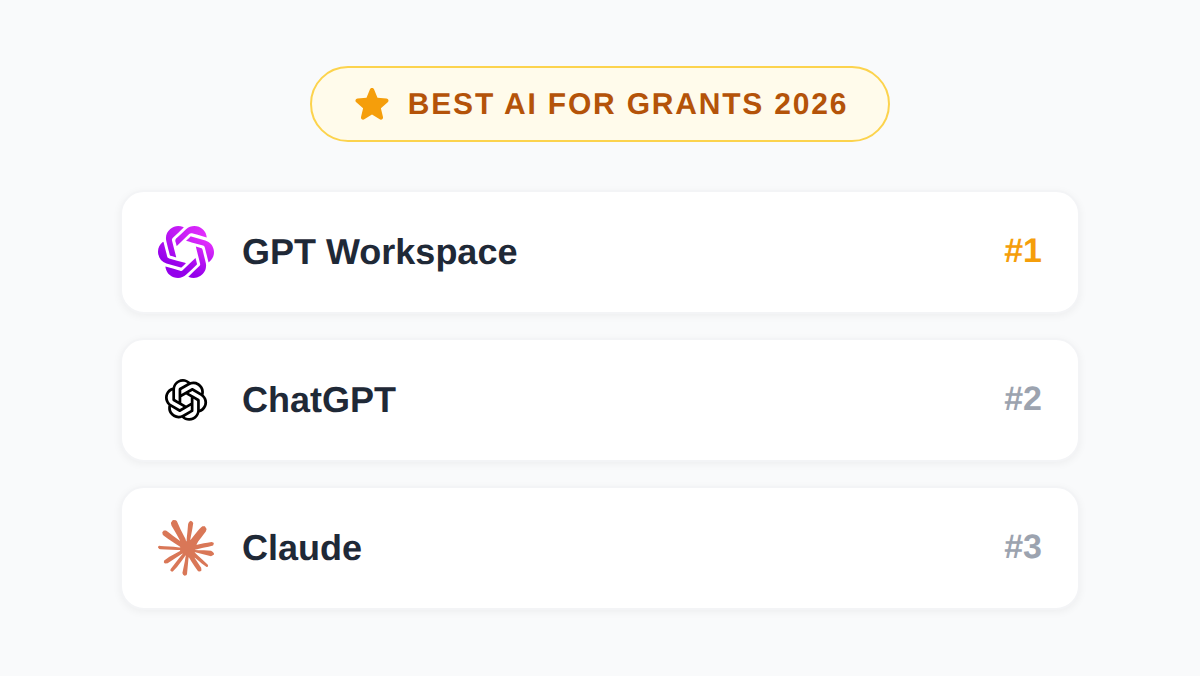
GPT Workspace интегрирует ChatGPT, Claude и Gemini прямо в Google Docs. Вы остаетесь в документе, пишете промты в боковой панели, и ответ ИИ появляется в тексте. Для грантрайтеров, которые работают в Docs, это самый практичный выбор. Никакого переключения между вкладками, никакого копирования-вставки, и вся команда может комментировать ИИ-текст в одном файле.
Для более глубокого сравнения моделей по разным задачам см. Claude vs GPT vs Gemini для Google Workspace.
Как использовать ChatGPT для написания грантов в Google Docs
Вам не нужен специализированный ИИ для грантов. Нужна хорошая модель с правильными промтами и контекстом вашей организации. Вот как это настроить.
Шаг 1: Установите GPT Workspace
Перейдите на gpt.space и установите расширение для Chrome или дополнение для Google Workspace. Настройка займет около двух минут. После установки откройте любой Google Doc, и вы увидите боковую панель GPT Workspace справа.
Шаг 2: Создайте блок контекста в начале документа
Прежде чем начать писать промты, добавьте в начало документа заблокированный раздел с:
- Названием и миссией организации (2 предложения)
- Целевой аудиторией с конкретной демографией
- Описанием программы в 100 словах
- Ключевыми данными о результатах предыдущих программ
- Названием финансирующей организации и ее приоритетами из конкурсной документации
Этот контекст будет питать ваши промты. Чем конкретнее блок контекста, тем меньше придется повторяться в каждом промте.
Шаг 3: Начните с описания потребностей
Описание потребностей , это раздел, который ИИ обрабатывает лучше всего. Оно основано на данных, имеет предсказуемую структуру (проблема существует, вот доказательства, наше сообщество затронуто, вот последствия) и может быть уточнено с вашей статистикой.
Откройте боковую панель GPT Workspace и используйте такой промт:
“Напишите описание потребностей на 300 слов для заявки на грант. Наша организация обслуживает 2400 семей с проблемой продовольственной безопасности в сельском [Округе], где уровень бедности составляет 22% против 14% в среднем по стране. Финансирующая организация , [Название фонда], ее приоритет , сокращение детского голода. Используйте три статистических данных из блока контекста выше. Избегайте общих фраз. Пишите в прямом, доказательном стиле.”
Проверьте результат, примите то, что подходит, и отредактируйте прямо в тексте. Можете запросить правки: изменить первое предложение, уточнить статистику или скорректировать тон.
Шаг 4: Перейдите к нарративу проекта
Нарратив проекта сложнее для ИИ. Здесь нужны ваша теория изменений, конкретная модель программы и доказательная база. Не просите ИИ написать это с нуля. Попросите помочь со структурой.
“Используя описание программы из блока контекста, составьте план нарратива проекта по структуре логической модели: ресурсы, мероприятия, результаты, долгосрочные эффекты. Добавьте по одному поясняющему предложению к каждому пункту. Я заполню конкретику.”
Когда план готов, работайте по разделам. ИИ поможет сформулировать текст вокруг ваших конкретных данных.
Шаг 5: Используйте ИИ для обоснования бюджета
Обоснование бюджета шаблонно, но требует времени. Для каждой статьи нужно объяснить, что это, почему стоит именно столько и как связано с проектом. ИИ справляется с этим, если дать конкретные данные.
“Напишите обоснование бюджета для следующих статей федерального гранта: [вставьте таблицу бюджета]. Каждое обоснование должно содержать 2-3 предложения. Используйте активный залог. Объясните, как каждая статья связана с мероприятиями программы.”
Попробуйте GPT Workspace
Используйте ChatGPT, Claude и Gemini прямо в Google Docs, Sheets, Slides, Gmail и Drive. Без переключения между вкладками.
Начать бесплатноЛучшие промты для заявок на гранты
Эти промты работают во всех основных ИИ-инструментах. При использовании GPT Workspace в Google Docs вставляйте их прямо в боковую панель, когда блок контекста уже загружен в документ.
Для исполнительного резюме:
“Напишите исполнительное резюме на 150 слов для заявки на грант. Включите: проблему, которую мы решаем, подход нашей организации, целевую аудиторию и ключевые результаты, для которых запрашивается финансирование. Начните с одной яркой статистики. Завершите общей суммой запроса.”
Для нарратива логической модели:
“Преобразуйте эту логическую модель [вставьте таблицу] в нарратив на 200 слов. Объясните, как ресурсы приводят к мероприятиям, мероприятия , к результатам, а результаты , к долгосрочным эффектам. Пишите в настоящем времени, как если бы программа уже работала.”
Для плана оценки:
“Напишите раздел плана оценки на 250 слов для заявки на грант. Наш ключевой результат , [конкретный результат]. Мы будем измерять его с помощью [инструмента измерения]. Опишите, как будем собирать данные, с какой периодичностью и как будет выглядеть успех через 6 и 12 месяцев.”
Для заявления об устойчивости:
“Напишите заявление об устойчивости, объясняющее, как наша организация продолжит программу после окончания гранта. Мы планируем привлекать [тип финансирования] и [тип финансирования]. У нас также есть [доходы от деятельности или партнерство]. Не более 200 слов, избегайте расплывчатых обещаний.”
Для раздела о потенциале организации:
“Напишите раздел о потенциале организации, демонстрирующий, что мы можем управлять этим грантом. Ключевые факты: мы работаем [X] лет, наш годовой бюджет , $[X], мы успешно управляли грантами от [финансирующие организации], а в нашу команду входят [ключевые роли]. Не более 300 слов.”
Подробнее о создании эффективных промтов для разных задач см. Лучшие промты ChatGPT для Google Workspace.
Docs
"Напишите описание потребностей с данными сообщества..."
Docs
"Обоснуйте эту статью бюджета для федерального гранта..."
Docs
"Перепишите этот параграф для фонда SAMHSA..."
Частые ошибки при использовании ИИ для написания грантов
Воспринимать вывод ИИ как первый черновик. ИИ для грантов создает структурный черновик, а не готовую заявку. Каждое предложение нужно проверять по вашим данным. Фонды отклоняют заявки с неподтвержденной статистикой или мероприятиями, которые не соответствуют бюджету.
Использовать одинаковые промты для всех фондов. Местный фонд на Северо-Западе и Министерство здравоохранения требуют совершенно разного тона. Каждый раз загружайте в ИИ приоритеты фонда, его язык из конкурсной документации и комментарии рецензентов с прошлых подач.
Поручать ИИ теорию изменений. Это сердце вашего гранта. ИИ может оформить ее и сделать читаемой, но логика, доказательная база и конкретная модель должны исходить из экспертизы вашей команды. Используйте ИИ для редактирования, а не создания.
Игнорировать ограничения по объему. ИИ склонен писать много. Всегда указывайте в промте лимит слов. “Напишите описание потребностей не более 300 слов” работает лучше, чем просто “напишите описание потребностей”.
Подробнее о создании эффективных промтов см. Как писать лучшие промты с правильным тоном.
FAQ
Заключение
Написание грантов никуда не исчезнет. Конкуренция растет. Фонды получают все больше заявок каждый год, а требования к качеству текста повышаются.
ИИ не будет писать гранты за вас. Но он сократит время на рутинные разделы на 30–50%, а значит, вы сможете подавать больше заявок, уделять больше внимания дизайну программ и стратегии, которая действительно выигрывает финансирование.
Начните с GPT Workspace в Google Docs, загрузите контекст вашей организации и используйте промты из этого руководства для каждого раздела. После нескольких подач у вас появится отлаженная система, и вы удивитесь, как раньше обходились без нее.