5 Best AI Tools for Google Workspace in 2026
We tested and ranked the 5 best AI tools for Google Workspace users in 2026 — GPT Workspace, Gemini, Jasper, GPT for Sheets, and Copy.ai. See which one fits your workflow.

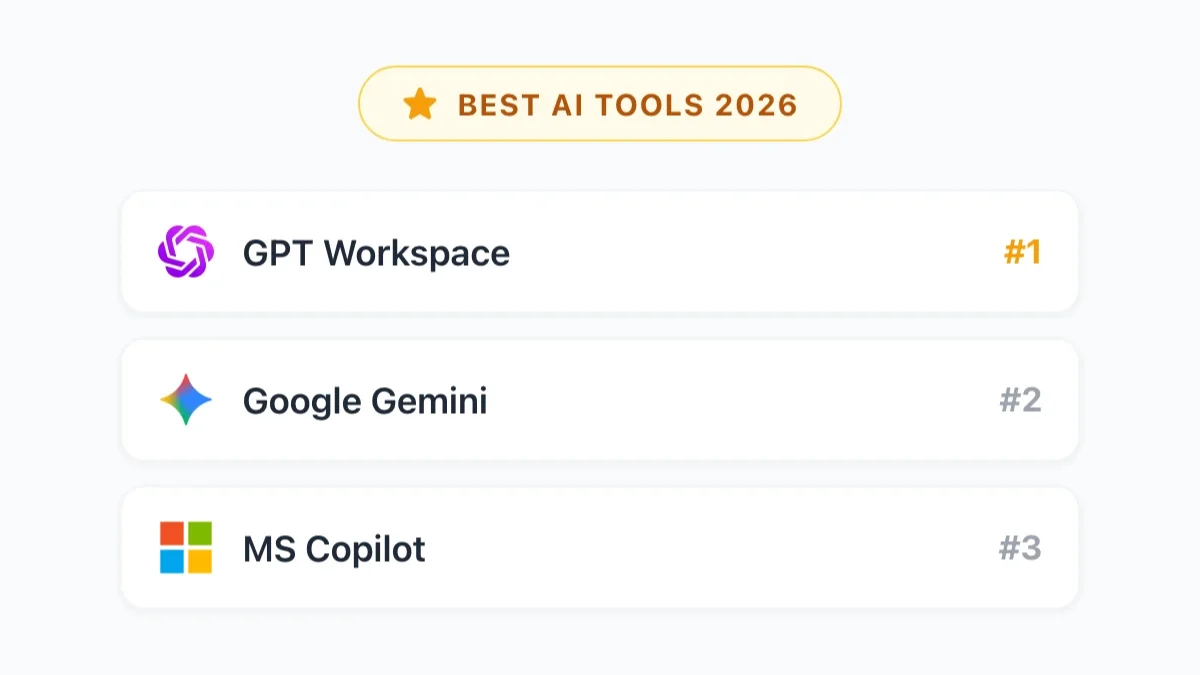
The number of AI tools claiming to work with Google Workspace has grown significantly, but most of them are either generic assistants with a thin Workspace integration or niche tools that only solve one specific problem. If you’ve spent time evaluating options, you’ve probably noticed that “works with Google Docs” means very different things depending on the tool.
This ranking is focused on best AI tools for Google Workspace 2026 — tools that deliver real value inside the apps Google Workspace users actually spend time in: Docs, Sheets, Slides, Gmail, and Drive. We’re not comparing general-purpose AI assistants. We’re comparing tools based on how well they integrate with your workflow, how much they improve output quality, and whether the cost is justified.
How We Evaluated These AI Tools
We evaluated each tool across five dimensions:
Integration depth — How natively does it work inside Google Workspace apps? Does it require switching tabs, or does it operate inside Docs, Gmail, and Sheets directly?
Output quality — How good is the actual AI output for real work tasks: writing, analysis, email drafting, content creation?
Model flexibility — Can you access different AI models for different tasks, or are you locked into a single option?
Team usability — Can you deploy this across a team with shared settings, prompts, and admin controls?
Value for cost — Does the price make sense given what you actually get?
Each tool was tested on the same set of tasks: drafting a 500-word client proposal in Google Docs, building a revenue analysis formula in Sheets, writing a follow-up email in Gmail, and generating a presentation outline in Slides.
#1 GPT Workspace — Best for ChatGPT Power Users
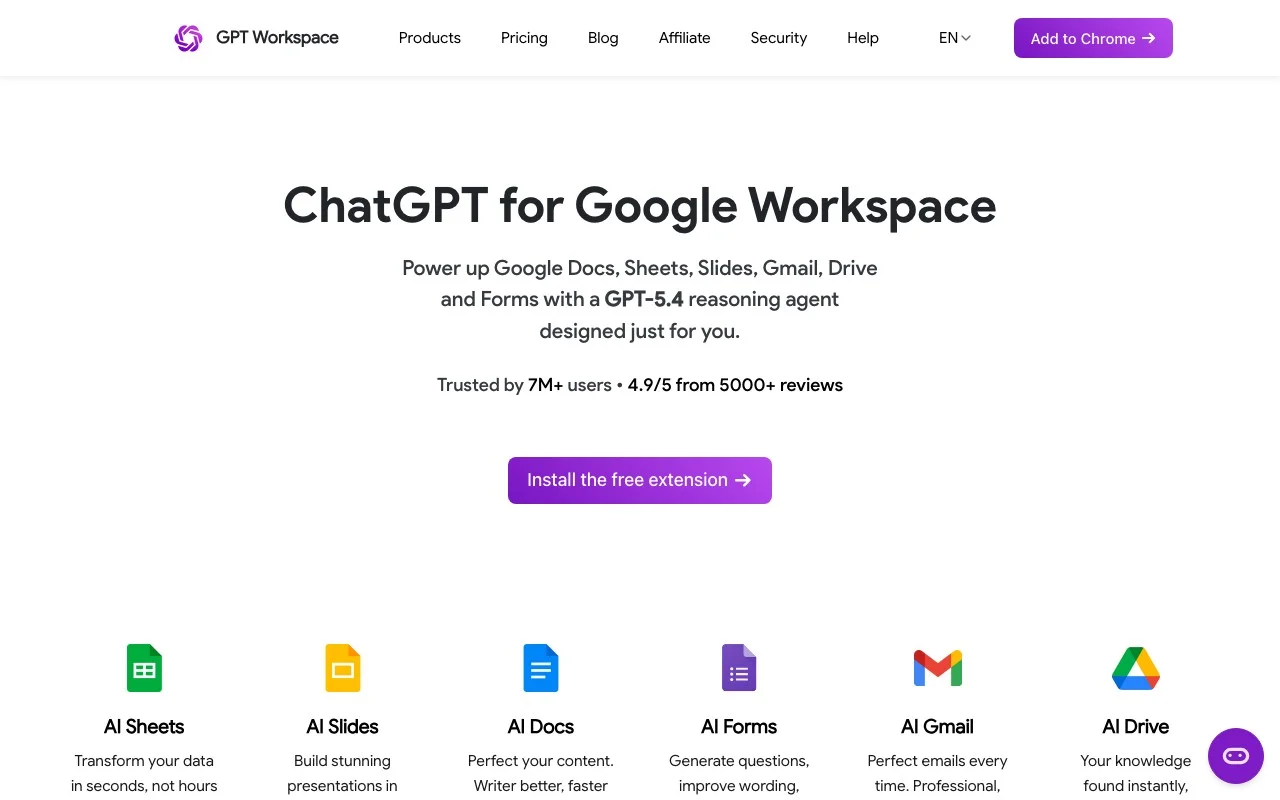
Best for: Teams that want the most capable AI models deeply integrated into Google Workspace.
GPT Workspace earns the top spot because it does the most important thing better than anything else in this list: it puts genuinely excellent AI directly inside the Google apps you already use, without requiring you to change your workflow.
The Chrome extension and Google Workspace Add-on install in minutes and immediately activate a sidebar across Google Docs, Sheets, Slides, and Gmail. From that sidebar, you access GPT-4o, GPT-4.5, o1, and o3 — OpenAI’s most capable models — and you can switch between them depending on what the task requires. Fast content drafting? GPT-4o. Complex reasoning or data analysis? o1 or o3. That flexibility is a real advantage over tools that lock you into a single model.
What makes it stand out:
In Docs, the writing assistance is the best available in the Google ecosystem. Long-form content, nuanced rewrites, proposals, and reports come out cleaner and more natural than what Gemini produces for the same prompts. The difference is most noticeable in externally facing content where quality matters.
In Sheets, GPT Workspace handles complex formula logic — multi-condition QUERY functions, ARRAYFORMULA pipelines, data transformation tasks — more reliably than the competition. Plain-English analysis requests produce working outputs rather than simplified approximations.
In Gmail, the drafting quality for important emails (outreach, proposals, difficult conversations) is noticeably better than Google’s built-in suggestions.
The prompt library feature is underrated. Teams can build a shared library of prompts for their most common tasks — standard email formats, report templates, analysis frameworks — and everyone on the team uses the same starting point. This reduces variance in AI output and speeds up work for people who don’t want to write prompts from scratch.
Admin controls, usage tracking, and team deployment via the Google Admin Console make it a practical choice for organizations, not just individual power users.
Limitations: It doesn’t have Gemini’s cross-app context — it can’t pull from your Calendar or search across your Drive the same way Google’s native AI can. For tasks requiring that kind of organizational intelligence, Gemini remains the better tool.
Pricing: Free tier available. Paid plans at gpt.space/pricing. Significantly more affordable than Microsoft Copilot for Google Workspace teams.
For a direct comparison against Copilot, see GPT Workspace vs Microsoft Copilot.
#2 Google Gemini — Best Native Solution
Best for: Users who want AI without installing anything additional, and workflows that benefit from cross-app context.
Gemini is already inside your Google apps if you’re on a Business Standard or higher Workspace plan. That accessibility — zero setup, no extension, no additional cost — makes it the default starting point for most Google Workspace users.
Gemini’s core features cover a lot of ground. In Gmail, thread summarization and draft assistance handle the majority of routine email work. In Docs, the “Help me write” feature generates usable first drafts and summarizes long documents. In Sheets, formula assistance from plain English works reliably for standard tasks. In Meet, Gemini transcribes and summarizes meetings automatically.
The genuine advantage Gemini has over every other tool on this list is its cross-app context. Because Google controls both the AI and the underlying Workspace data, Gemini can look at your Drive, email, and calendar together to answer questions that require connecting information across sources. No third-party tool replicates this.
Limitations: Output quality for long-form, externally facing content lags behind GPT-4o and GPT-4.5. You can’t choose between models — you get Gemini. The prompt library and customization options are less developed than GPT Workspace’s. Complex formula work in Sheets is less reliable than with OpenAI’s reasoning models.
Pricing: Included with Google Workspace Business Standard ($14/user/month) and above. Gemini Advanced (with the most capable model tier) requires a separate Google One AI Premium subscription at $19.99/month.
For a full breakdown of how GPT Workspace and Gemini complement each other, see GPT Workspace vs Gemini for Google Workspace.
#3 Jasper — Best for Marketing Teams
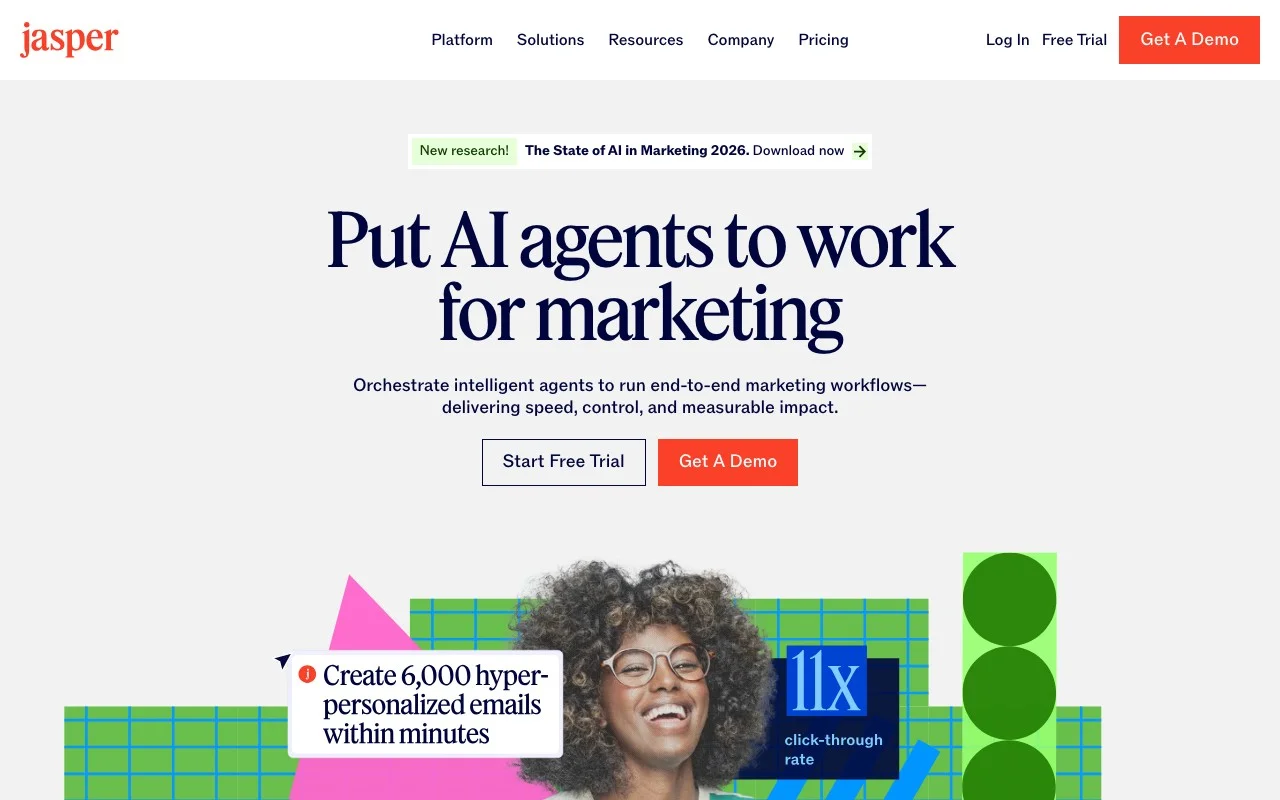
Best for: Marketing teams producing high volumes of brand-consistent content.
Jasper positions itself as an enterprise-grade AI writing platform, and it earns that positioning for a specific audience: marketing teams that need to produce a lot of content while maintaining brand voice consistency.
What Jasper does distinctively well is brand voice management. You can train Jasper on your brand’s existing content — blog posts, marketing copy, email campaigns — and it applies that style consistently across everything it generates. For organizations with established brand guidelines, this reduces the editing overhead significantly.
Jasper also ships with a large library of marketing-specific templates: ad copy, landing page copy, email sequences, social media posts, product descriptions. If your work involves producing these formats regularly, Jasper’s templates save time that generic AI tools don’t.
Google Workspace integration: Jasper has a Google Docs add-on that brings its editor into Docs, which makes it more practical for Workspace users than it was a year ago. However, the integration doesn’t extend to Sheets, Slides, or Gmail in any meaningful way. For non-content workflows, Jasper doesn’t help.
Limitations: Expensive ($49/month for starter, $125/month for pro) relative to other tools here. The Google Workspace integration is limited to Docs. It’s overkill for teams that don’t produce marketing content at volume, and the general writing quality isn’t clearly better than GPT Workspace for non-marketing tasks.
Pricing: Starter at $49/user/month, Pro at $125/user/month. Business plans available with custom pricing.
#4 GPT for Sheets and Docs — Sheets-Only Formula Tool
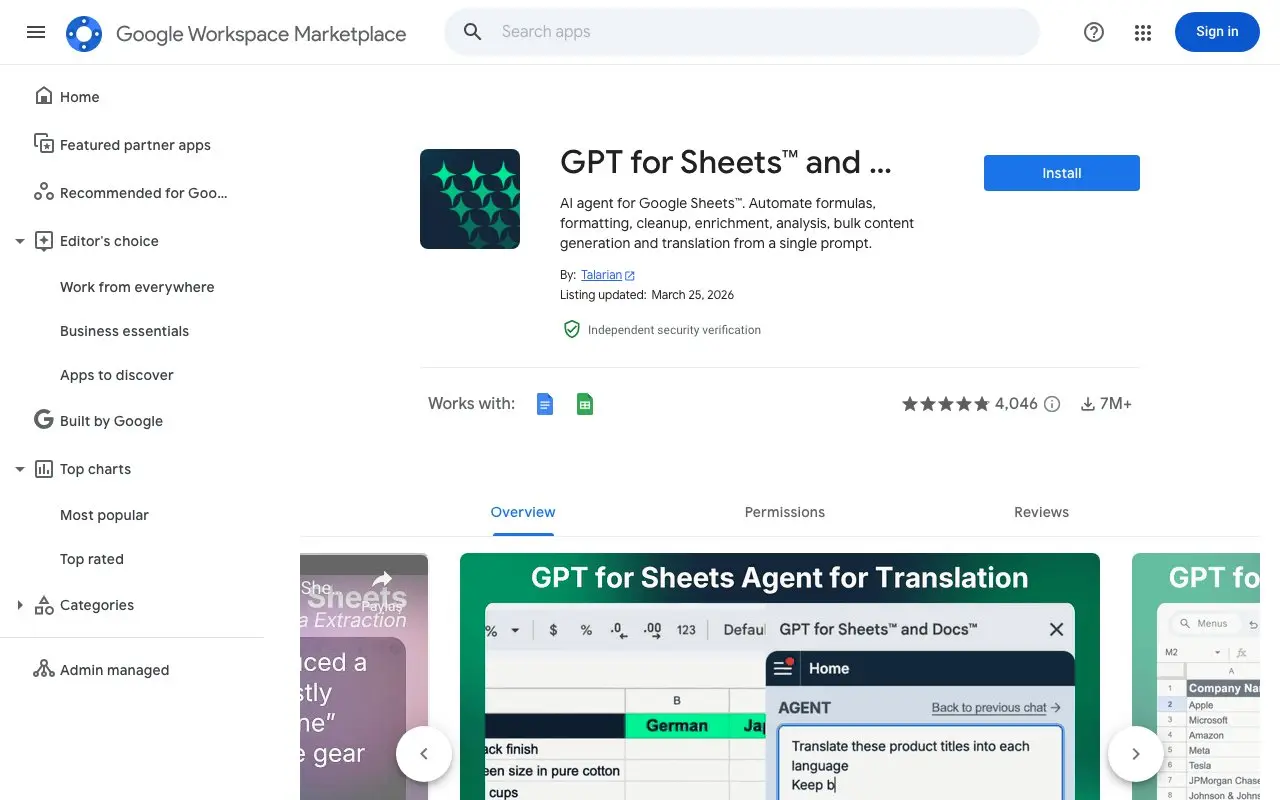
Best for: Users who primarily work in Sheets and need function-based AI for batch data processing.
GPT for Sheets and Docs is a lightweight Google Workspace Add-on that exposes custom GPT functions directly inside Google Sheets and Docs. You use it by calling functions like =GPT("Summarize this text", A1) directly in spreadsheet cells — no sidebar required.
For users who spend most of their time in Sheets and need AI to process data at scale — categorizing responses, extracting information from text fields, summarizing entries in bulk — this tool is extremely efficient. You can run GPT functions across thousands of rows without manually copying data into a chat interface.
What it does well: Batch text processing in Sheets is the standout use case. Analyzing survey responses, categorizing customer feedback, extracting entities from unstructured text, translating cells — all of these are faster and more practical with function-based AI than with any sidebar tool.
Limitations: It’s not a writing assistant. There’s no sidebar, no conversational interface, no email integration. In Google Docs, the features are more limited than the Sheets functionality. For anything beyond data-centric use cases, GPT Workspace or Gemini is more appropriate.
Pricing: Free tier with limited usage. Paid plans start around $19/month.
#5 Copy.ai — Best for Quick Content
Best for: Users who need fast, usable content output and aren’t deeply invested in a Google Workspace workflow.
Copy.ai is a general-purpose AI writing tool that has added a Google Docs integration to its web app. It focuses on speed: you describe what you need, it generates multiple variations quickly, and you pick the best one.
The tool works well for short-form content — product descriptions, ad copy, social posts, email subject lines, one-paragraph summaries. The multiple-variation approach is useful when you’re not sure exactly what tone or angle you want, and you want to see options before committing.
Google Workspace integration: Copy.ai’s Docs integration is functional but not deep. It’s essentially a window into the Copy.ai web app accessible from Docs, rather than a native sidebar. You won’t find Sheets, Slides, or Gmail integration here.
Limitations: The Google Workspace integration is shallow compared to GPT Workspace or even Jasper. For users who spend most of their day in Workspace apps, Copy.ai’s approach feels like working in two places rather than one. Output quality for longer, more complex content is inconsistent.
Pricing: Free tier available. Pro at $49/month. Teams plan with additional features and seats available.
Comparison Table
| Tool | Google Apps Integration | Best Use Case | Model Choice | Free Tier | Starting Price |
|---|---|---|---|---|---|
| GPT Workspace | Docs, Sheets, Slides, Gmail | Power users, teams | GPT-4o, o1, o3 | Yes | See pricing page |
| Google Gemini | Docs, Sheets, Slides, Gmail, Meet | Native/no-install | Gemini only | With Workspace plan | Included in Workspace |
| Jasper | Docs only | Marketing content | GPT-4 based | No | $49/user/month |
| GPT for Sheets/Docs | Sheets, Docs | Batch data processing | GPT-4 | Yes | ~$19/month |
| Copy.ai | Docs (limited) | Quick short-form copy | GPT-4 based | Yes | $49/month |
Which Tool Should You Choose?
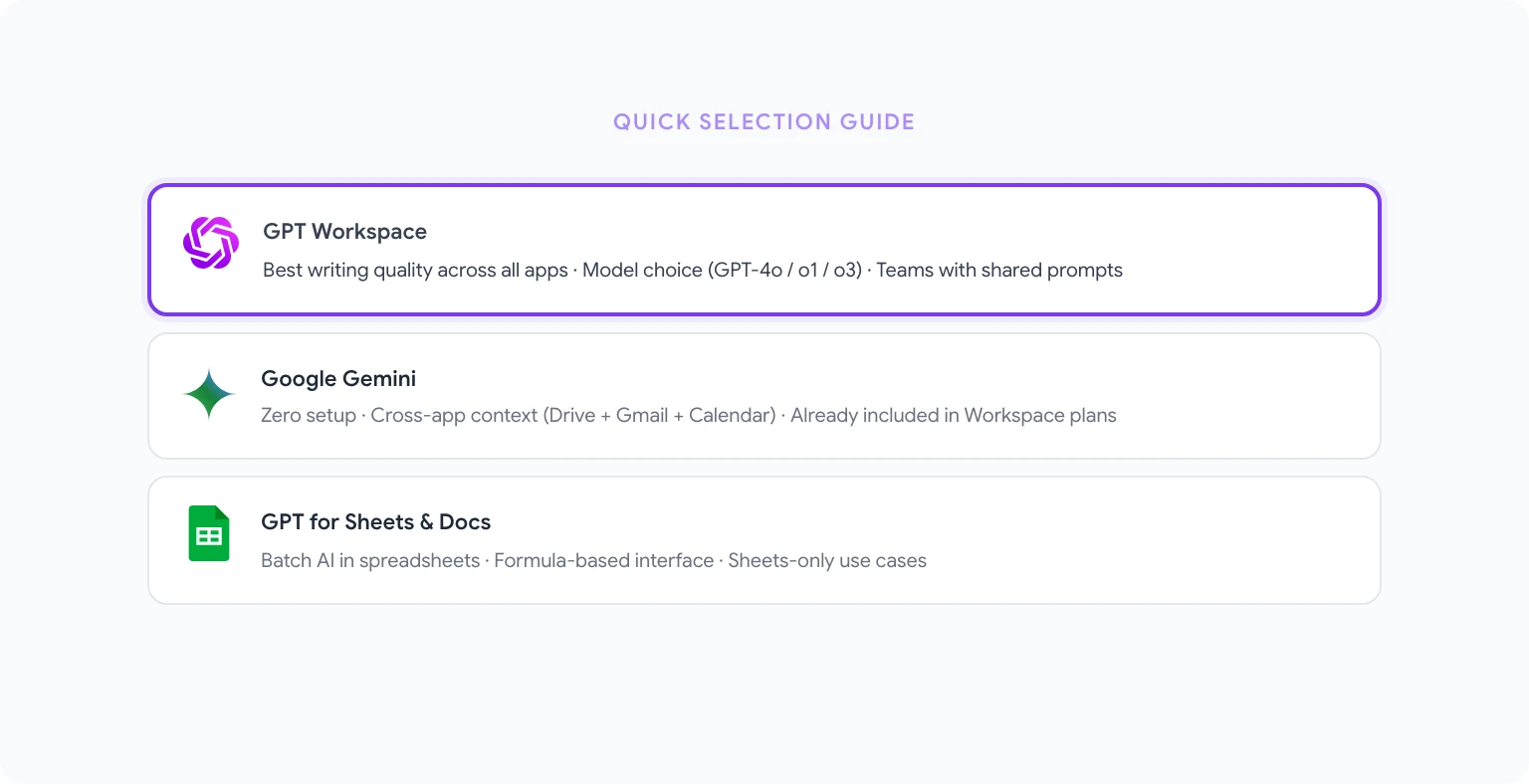
If you need the best AI for writing and complex tasks across all Google apps: GPT Workspace is the clear choice. The model quality, depth of integration across Docs, Sheets, Slides, and Gmail, and the flexibility to choose the right model for each task make it the most capable option for serious Workspace users.
If you want zero setup and cross-app context: Gemini is already there and it’s excellent for quick tasks, summaries, and anything that benefits from connecting your email, calendar, and Drive.
If you run a marketing team producing content at volume: Jasper’s brand voice management and template library are worth the cost at scale. Otherwise, it’s overkill.
If you process a lot of data in Sheets: GPT for Sheets and Docs is the most efficient tool for batch AI processing in spreadsheets, and the price is right.
If you need fast, varied content options without committing to a platform: Copy.ai is quick and flexible for short-form work.
For most Google Workspace users, the most practical setup is GPT Workspace for quality-critical tasks combined with Gemini’s native features for quick, routine work. The two tools don’t conflict, they complement each other — and together they cover more of your workflow than either does alone.
FAQ
Can I use multiple AI tools in Google Workspace at the same time? Yes. GPT Workspace (Chrome extension or Add-on) and Gemini coexist in the same Google apps. Having both active doesn’t cause conflicts. You choose which one to use based on the task.
Does GPT Workspace replace Gemini? No. GPT Workspace adds capabilities that Gemini doesn’t have (particularly model choice and output quality for complex writing tasks), but Gemini’s cross-app context and native integration have advantages that GPT Workspace doesn’t replicate. Using both together is better than choosing one.
Which tool is best for a 20-person marketing team on Google Workspace? GPT Workspace, because of its team deployment options, shared prompt library, and consistent output quality across Docs and Gmail. Jasper is an option if content volume and brand consistency are the primary concerns.
Is there a free way to get AI in Google Docs without paying for anything? Gemini is included with Business Standard and above plans. GPT Workspace has a free tier. GPT for Sheets and Docs also has a free tier. You have options before committing to a paid plan.
How do I get started with GPT Workspace? See the complete installation guide for GPT Workspace. Setup takes about two minutes. And if you want to explore the best prompts to use once you’re set up, best ChatGPT prompts for Google Workspace is a good next read.