GPT Workspace vs Gemini: Do You Need Both?
An honest comparison of GPT Workspace (ChatGPT integration) and Google's native Gemini inside Workspace. Learn when each tool shines and whether using both together makes sense.

If you’re a Google Workspace user paying attention to AI options in 2026, you’ve encountered both of these: Gemini, Google’s native AI built directly into Docs, Gmail, and Sheets, and GPT Workspace, the Chrome extension that brings OpenAI’s models into those same apps. They overlap significantly in what they claim to do. The question worth asking is whether they’re truly competing — or whether they serve different purposes that make running both a reasonable decision.
This comparison is based on practical use across real workflows. No benchmarks for their own sake. Just an honest look at what each tool actually does well, where it falls short, and when using both together makes sense.
The Core Difference Between GPT Workspace and Gemini
The difference is not just about which AI model powers each tool. It goes deeper than that.
Gemini is Google’s own AI, built into Google Workspace as a first-party feature. Google controls the model, the integration, and the data handling. Gemini has privileged access to your Workspace data — it can search across your Drive, reference your Gmail, look at your Calendar, and connect those sources together because Google owns the entire stack. It’s tightly woven into the product you’re already using.
GPT Workspace is a third-party Chrome extension that brings OpenAI’s models — GPT-4o, GPT-4.5, o1, o3 — into your Google apps via a sidebar. It doesn’t have the same native data access that Gemini has, but it lets you use the most capable AI models available today inside the same interface you’re already working in.
The practical implication: Gemini is better at things that require cross-app context within Google’s ecosystem. GPT Workspace is better at things that require raw language model capability, model flexibility, and the kind of nuanced output that OpenAI’s models currently lead on.
What Gemini Does in Google Workspace (2026)
Google has continued expanding Gemini’s presence across Workspace throughout 2025 and into 2026. Here’s what it handles well:
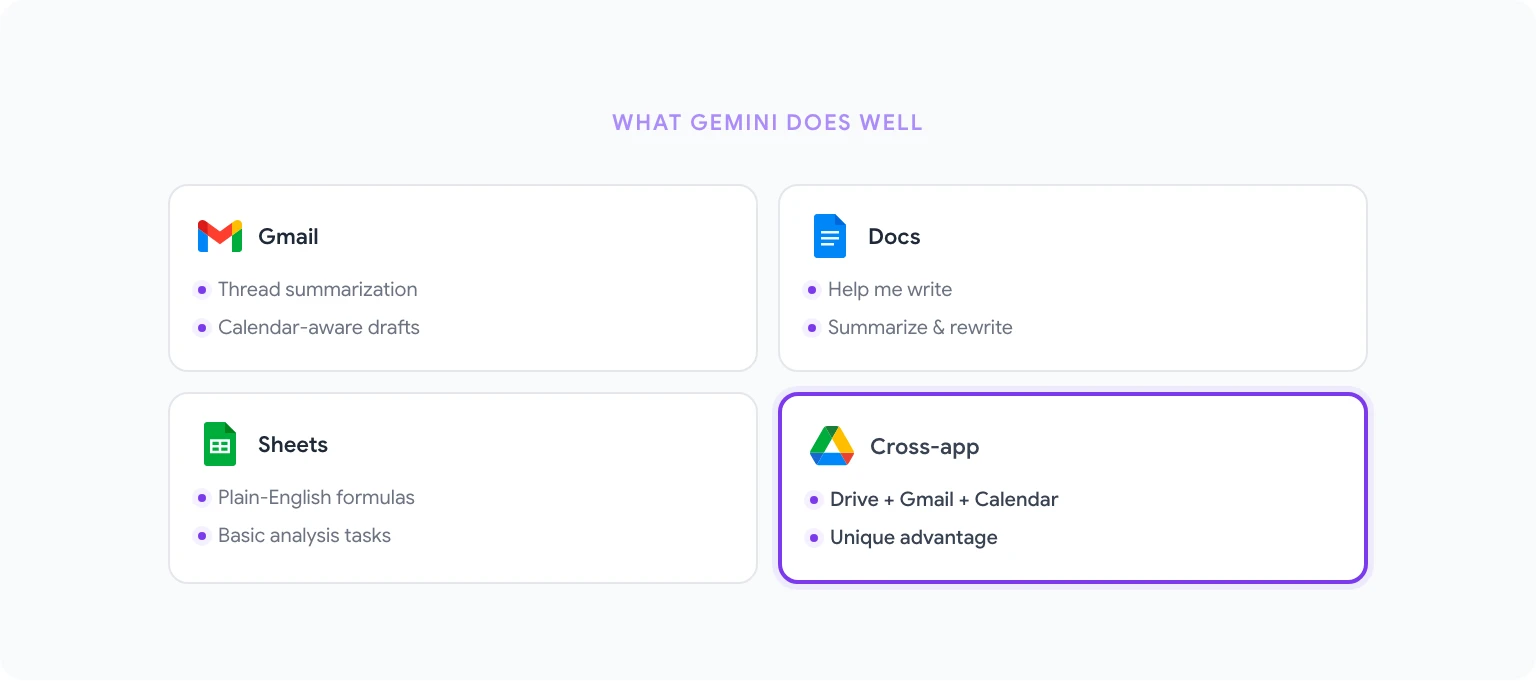
In Google Docs: Gemini can draft content from a prompt, rewrite selected text, summarize documents, and generate structured outlines. The “Help me write” button appears at the top of new documents and can generate a first draft based on a short description. For existing documents, you can ask Gemini to improve a paragraph or adjust tone via the side panel.
In Gmail: The “Help me write” feature drafts email replies based on context from the conversation thread. “Summarize this email” condenses long threads. Smart Reply suggestions have become more context-aware. Gemini in Gmail also has access to your calendar — it can draft a message that references a meeting scheduled for tomorrow without you needing to copy that information in manually.
In Google Sheets: Gemini can generate formulas from plain English descriptions, explain what a formula does, and help build basic analysis pipelines. The quality here is reasonable for standard tasks but tends to struggle with more complex multi-condition logic.
Cross-app capabilities: This is Gemini’s real advantage. Because it has access to Google’s Workspace data layer, it can answer questions like “What did I discuss with this client last month?” by pulling from emails and calendar events together. This kind of synthesis across apps isn’t something GPT Workspace can replicate with the same depth.
What GPT Workspace Adds on Top
GPT Workspace’s case is simple: it gives you access to better language models, more model flexibility, and more control over how AI is applied — inside the same Google apps where Gemini already lives.
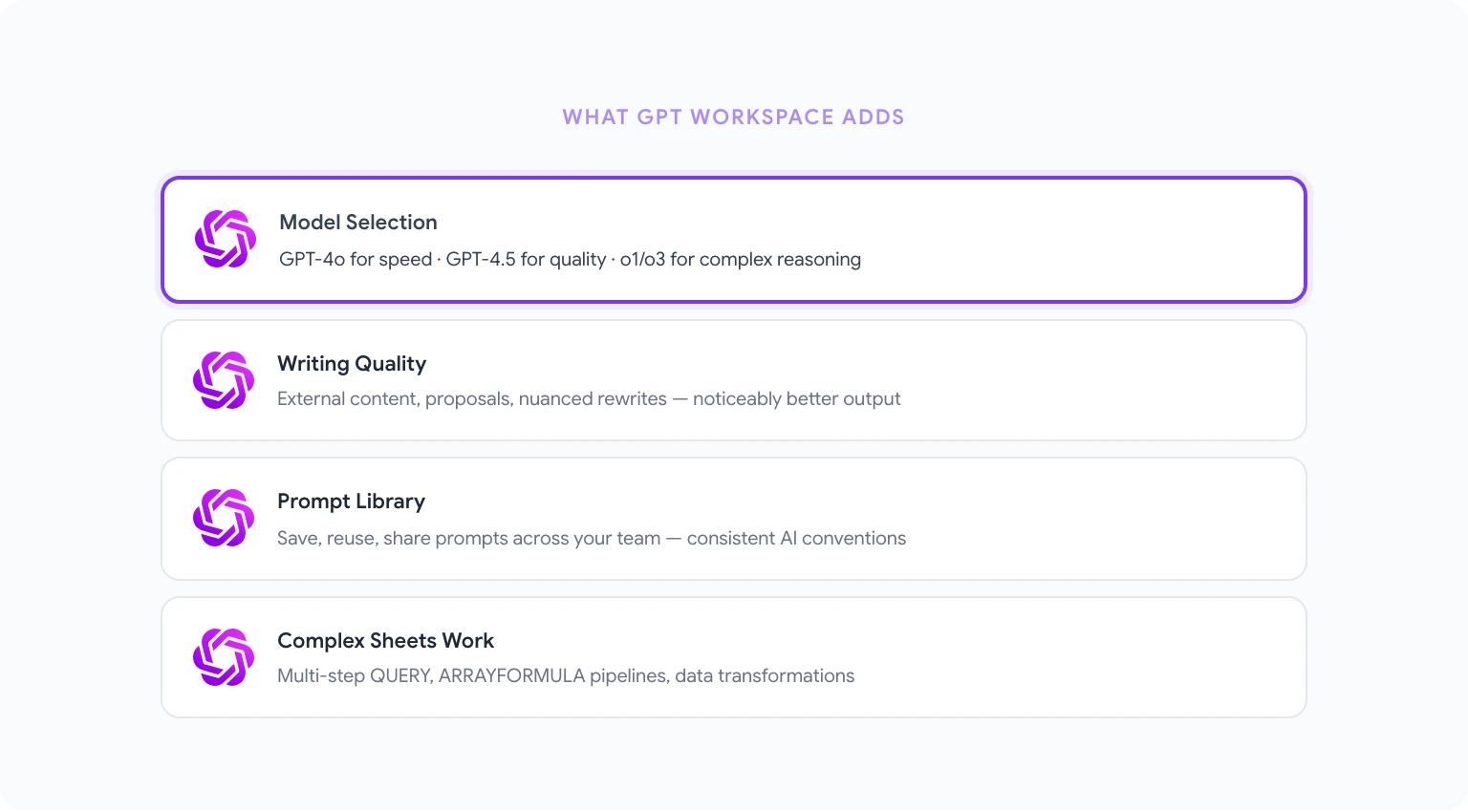
Model selection: GPT Workspace lets you choose between GPT-4o, GPT-4.5, o1, and o3. Gemini is a single model (updated by Google periodically). Being able to pick o3 for a complex analysis task and GPT-4o for fast content generation in the same workflow is a practical advantage.
Writing quality: For long-form content, nuanced rewrites, and anything requiring strong reasoning about language, OpenAI’s models currently outperform Gemini. This isn’t a controversial claim — it’s consistent across independent benchmarks and user experience. If you’re producing content that matters, the gap is noticeable.
Prompt library and templates: GPT Workspace ships with a curated library of prompts for common tasks — sales emails, meeting summaries, report drafts, data analysis. You can save and reuse your own prompts, which Gemini doesn’t currently support at the same level.
Sheets and data work: GPT Workspace in Sheets handles complex formula logic and multi-step analysis more reliably than Gemini in our testing. For data-heavy workflows, this matters.
For a deeper look at using these capabilities in practice, see how to use ChatGPT in Google Docs.
AI Model Comparison: Gemini vs GPT-4/GPT-5
As of early 2026, the model landscape looks like this:
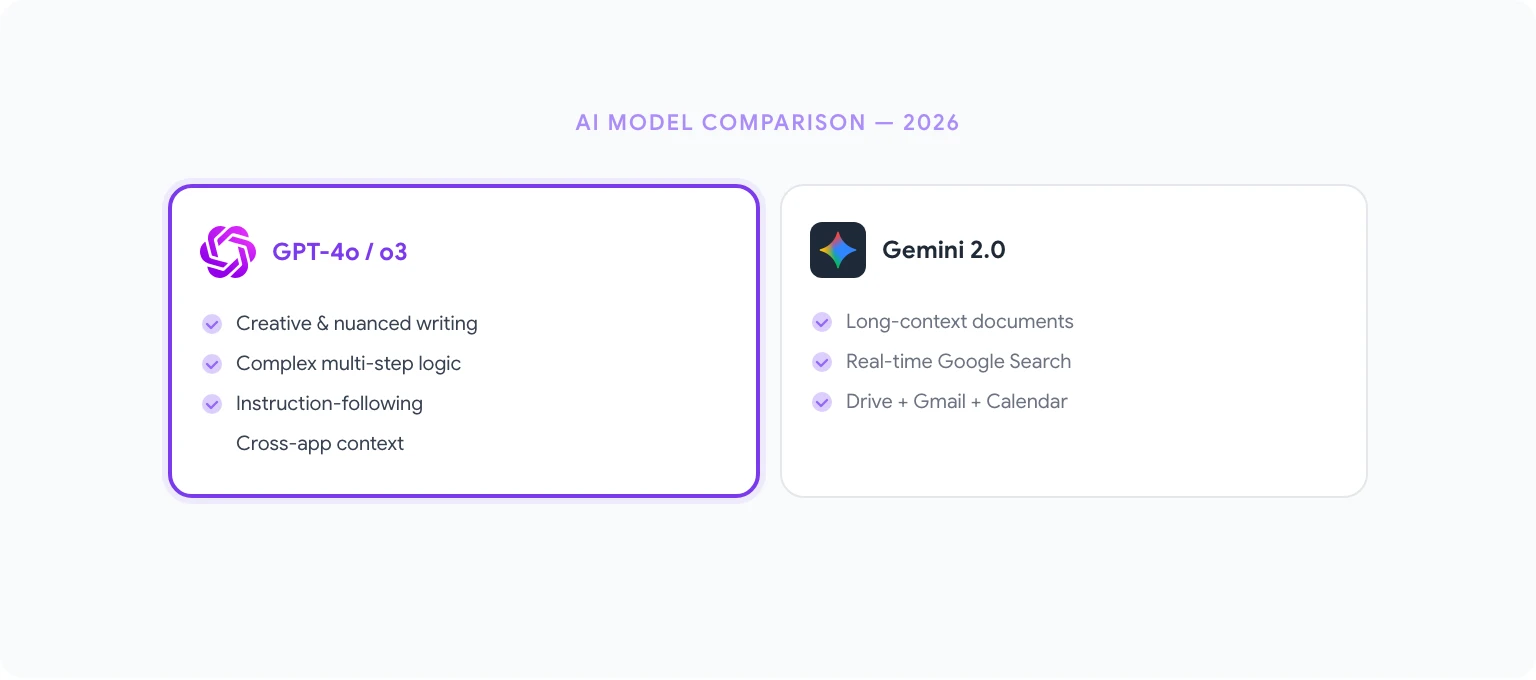
Gemini 2.0 Ultra (Google’s top tier) is genuinely competitive with OpenAI’s best models on coding, reasoning, and multimodal tasks. Google has closed much of the gap that existed in 2023 and 2024. For specific tasks — especially those involving real-time Google search integration and long-context document work — Gemini 2.0 Ultra performs very well.
GPT-4o and GPT-4.5 continue to lead on creative writing, nuanced instruction-following, and tasks requiring subtle judgment about tone or intent. OpenAI’s o1 and o3 reasoning models remain ahead of Gemini on complex multi-step logical problems.
The honest summary: neither model is better at everything. For Google Workspace users, this is actually an argument for having access to both — using each where it excels.
Long-Form Content Writing
This is where the model quality difference shows up most clearly in day-to-day work.
Gemini writes competently. It follows instructions, maintains structure, and produces drafts that are usable starting points. For internal documents, meeting summaries, and standard business writing, Gemini is genuinely good enough.
GPT Workspace, using GPT-4o or GPT-4.5, produces noticeably better output for content that will be read externally. The writing is more natural, better at matching a specific voice or style, and more reliable at avoiding the slightly generic phrasing that can make AI-written content feel flat. For blog posts, client-facing proposals, and anything requiring a distinct voice, the difference is real.
For a practical guide to writing reports and long-form documents with AI in Google Docs, see AI report writing in Google Docs.
Data Analysis in Sheets
Both tools handle basic spreadsheet tasks well. The divergence shows up in complexity.
For generating a SUM formula, creating a basic VLOOKUP, or describing what a simple formula does — Gemini and GPT Workspace are about equal. Both understand plain English descriptions and translate them into working formulas.
For multi-condition QUERY functions, complex ARRAYFORMULA logic, custom data transformations, and analysis that requires chaining multiple steps — GPT Workspace (especially with o1 or o3) handles these more reliably. Gemini tends to produce simpler solutions that don’t fully account for edge cases in complex data structures.
If your Sheets work involves primarily standard operations, Gemini is fine and already built in. If you regularly work with complex data pipelines, GPT Workspace is worth having.
Email: Gemini Smart Reply vs GPT Workspace
Gemini’s email capabilities in Gmail are legitimately useful. The thread summarization is fast, the draft quality is good for standard replies, and the calendar integration means it can reference scheduling context automatically. For users who live in Gmail, Gemini reduces friction for routine email work.
GPT Workspace’s approach to email is different in emphasis. The focus is on higher-quality drafting for emails that matter more — outreach, proposals, difficult conversations, follow-ups that need to hit the right tone. The pre-built prompt library includes email-specific templates. And you can use GPT-4.5 for emails where quality is worth the extra processing time.
The practical setup many users land on: use Gemini’s built-in features for quick replies and summaries, and switch to GPT Workspace when drafting an important email from scratch.
Using Both Together (Recommended Setup)
This is the setup we’d recommend for most serious Google Workspace users in 2026:
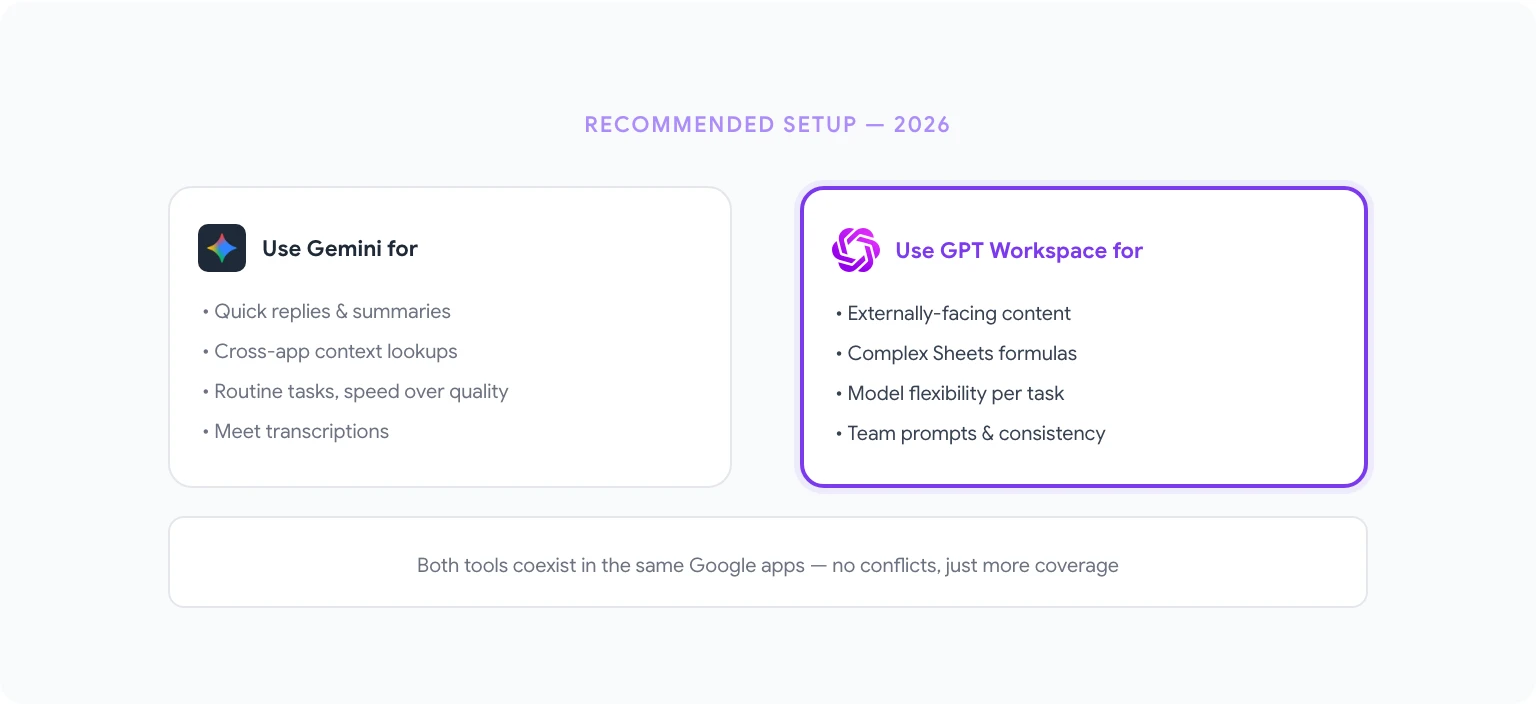
Use Gemini for:
- Quick email replies and thread summaries
- Cross-app context lookups (“what did I discuss with X last month”)
- In-context help that benefits from Google’s data access
- Routine document tasks where speed matters more than output quality
Use GPT Workspace for:
- Long-form content creation that will be read externally
- Complex data analysis and advanced formula work in Sheets
- Tasks requiring model flexibility (o1 for reasoning, GPT-4o for speed, o3 for complex logic)
- Anything where output quality is a deciding factor
- Team workflows with shared prompt libraries and consistent AI conventions
GPT Workspace’s sidebar coexists with Gemini’s built-in features — they don’t conflict. You can have both available and switch between them depending on the task.
The comparison with Microsoft’s alternative is also worth reading if you’re evaluating your options more broadly: GPT Workspace vs Microsoft Copilot.
Pricing: Is GPT Workspace Worth It?
Gemini features are included with Google Workspace Business Standard, Business Plus, and Enterprise plans. If your organization already pays for one of these tiers, Gemini costs nothing additional.
GPT Workspace has a free tier with limited usage and paid plans for individual users and teams. The cost is significantly lower than Microsoft Copilot’s $30/user/month add-on.
For individual users who primarily need Gemini’s quick-reply and summarization features, the free tier of GPT Workspace may be enough to fill the gaps. For teams producing a lot of written content, handling complex data work, or wanting consistent AI conventions across a department, a paid GPT Workspace plan pays for itself quickly in time saved.
The full range of what GPT Workspace offers is detailed at gpt.space.
Our Recommendation
Don’t think of this as an either/or choice. Gemini is already in your Google apps — if you have a Business Standard or higher plan, you’re already paying for it. GPT Workspace adds a layer of capability on top that Gemini genuinely doesn’t match for specific use cases.
The combination of Gemini’s cross-app context and GPT Workspace’s model quality and flexibility covers more ground than either tool alone. For teams doing serious work in Google Workspace — writing, analysis, client communication — both tools together is the configuration that makes most sense in 2026.
For a broader overview of how GPT Workspace compares against other AI tools in the Google ecosystem, see the best AI tools for Google Workspace in 2026.