How to Open a .md File on Windows, Mac and Chromebook
Open a .md file on Windows, Mac or Chromebook: built-in editors that show raw text, VS Code preview, Google Docs, and a free Markdown reader that renders it.

Someone sends you README.md, or you download your notes from an AI tool and the file ends in .md. Double-click it on Windows and nothing happens, or it opens in Notepad as text sprinkled with pound signs and asterisks.
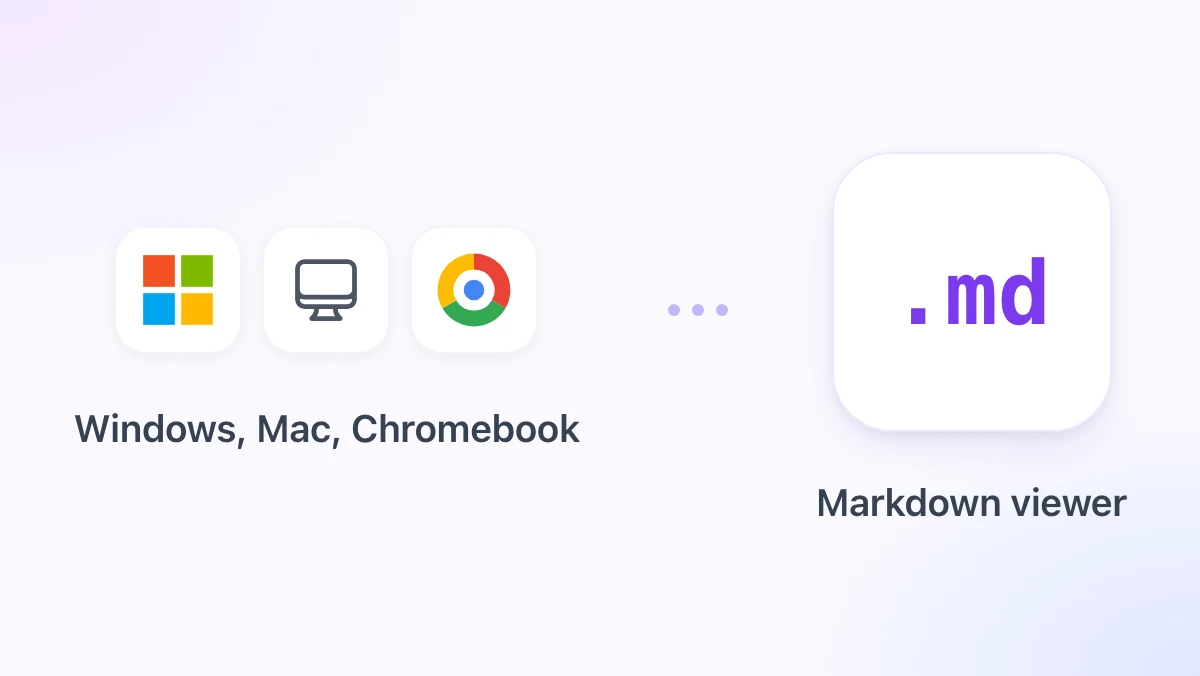
A .md file is a Markdown file: plain text with light punctuation that stands for headings, lists, links and tables. Any editor can open it, but only a Markdown reader shows it the way the author meant, with real headings and clickable links.
This guide covers the built-in options on Windows, Mac and Chromebook, the free online reader on gpt.space, and the Markdown viewer in the GPT Workspace Chrome extension, which also puts ChatGPT, Claude and Gemini inside Google Docs, Sheets, Slides, Gmail and Drive.
What a .md File Is and Why It Looks Odd
Markdown was designed in 2004 so that a text file stays readable even before it is rendered. A line that starts with # is a heading, **bold** is bold, - item is a bullet, and [text](url) is a link.
That is why the raw file is not broken when you see the symbols. It is just unrendered, the same way an HTML file looks odd in Notepad.
Markdown files have become common because GitHub, Obsidian, Notion exports and every AI assistant use the format. If you receive one in 2026, the odds are it came from one of those four places.
How to Open a .md File on Windows
Windows has no built-in Markdown reader. You have three practical options, from quickest to nicest.
Notepad, for the raw text
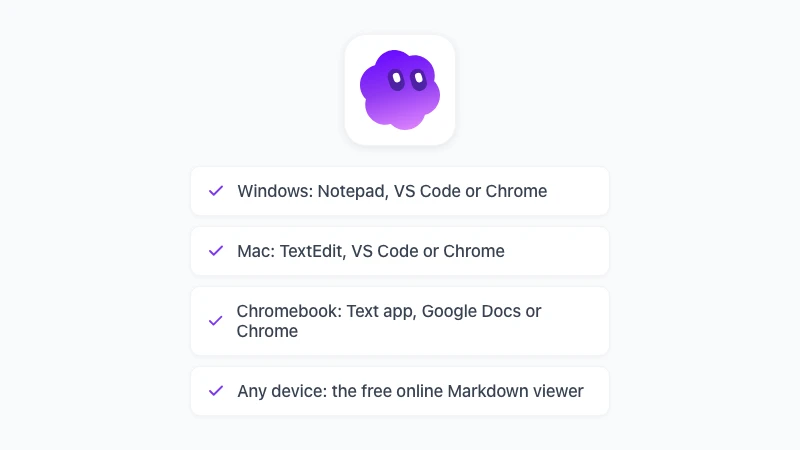
Right-click the file, choose Open with, and pick Notepad. You see the source with all its symbols, which is fine for a two-line note and tiring for a 30-page document.
VS Code, for a rendered preview
Install Visual Studio Code, open the file, and press Ctrl+Shift+V for the rendered preview, or Ctrl+K then V to see source and preview side by side (VS Code docs). It is free and it is the standard choice for anyone who also edits Markdown.
Chrome, as a Markdown reader for Windows
With the GPT Workspace extension installed, Chrome has a Markdown viewer you open when you need it. Right-click the GPT Workspace icon in the toolbar, choose Markdown tools, and drop the .md file onto the page that opens.
Dropping a file needs no extra permission. If you prefer the Open file button inside the viewer, open chrome://extensions, click Details on GPT Workspace, and switch on “Allow access to file URLs”, which Chrome asks of every extension that reads local files.
How to Open a .md File on a Mac
The Mac situation is similar, with one twist: Quick Look (press Space in Finder) shows the raw text, not a rendered page, unless you add a plugin.
TextEdit, for the raw text
Control-click the file, choose Open With, then TextEdit. Make sure TextEdit stays in plain text mode, otherwise saving can change the file.
VS Code, with the same preview
The shortcuts are Shift+Cmd+V for the preview and Cmd+K then V for the side-by-side view. Everything else works as on Windows.
Chrome, as a Markdown reader for Mac
Open the viewer from the GPT Workspace icon’s right-click menu (Markdown tools) and drag the file from Finder onto it. The file picker inside the viewer works too, once file URL access is enabled in chrome://extensions as described above.
How to Open a .md File on a Chromebook
ChromeOS used to be the hardest of the three. In 2026 it is arguably the easiest, because two of the options need nothing installed.
The Text app
Double-click a .md file in the Files app and it opens in the Text app as raw Markdown. Good enough for reading a short note.
Google Docs
Upload the file to Google Drive and double-click it. Since October 2026, Docs opens .md files natively with a rendered view and collaborative editing, and the file stays a .md file, as covered in our guide to Markdown in Google Docs.
The GPT Workspace viewer
Chromebooks run Chrome extensions, so the same viewer works. Open Markdown tools from the extension icon, drag the file from the Files app onto it, and it renders with a table of contents, in a light or dark theme.
A Markdown Reader Online and in Chrome
Online: nothing to install
If you only need to read one file on a computer you do not control, use the free Markdown viewer on gpt.space. Drop the .md file onto the page, or paste the text, and it renders in the browser.
The file never leaves your device and there is no sign-up. You get headings, tables, highlighted code, Mermaid diagrams and LaTeX math, plus buttons to export a PDF or open the content in Google Docs.
That makes it a Markdown reader online for a phone, a locked-down work laptop or a borrowed Chromebook. For your own computer, the extension below removes the drag-and-drop step.
 Try GPT Workspace
Use ChatGPT, Claude, and Gemini directly inside Google Docs, Sheets, Slides, Gmail, and Drive. No tab switching.
Get Started FreeIn Chrome: the GPT Workspace viewer
The viewer arrived in GPT Workspace 4.25 and runs on Windows, Mac and ChromeOS, anywhere Chrome extensions run. Install the extension and it is ready without further setup. Nothing opens in the viewer on its own: .md links and raw files keep loading as Chrome shows them, and you call the viewer when you want the rendered page.
How to open a file in it
Right-click any .md link or page, including a raw GitHub or Gist URL, and choose Open in Markdown viewer. A README you were about to squint at becomes a document with a table of contents.
For files on your disk, right-click the GPT Workspace icon, choose Markdown tools, and drop the file onto the viewer. The Open file button in the same viewer needs “Allow access to file URLs” in chrome://extensions, drag and drop does not.
It also accepts PDF and Word files. Drop a .pdf or .docx onto the viewer and it converts the file to Markdown, with an LLM-ready option that strips headers, footers and page numbers for pasting into ChatGPT or Claude.
What it renders
Headings, nested lists, tables, task lists and links come first. On top of those you get Mermaid diagrams, LaTeX math and syntax-highlighted code, in a light or dark theme that follows your choice.
What you can do with the file
The toolbar has Open in Google Docs, Export to PDF through the browser’s print dialog, Copy HTML, and Download .md or .html. Everything happens locally in the browser, so nothing is uploaded.
Editing a .md File, Not Just Reading It
Reading is one thing, and most people who ask how to open an md file eventually need to change it. Three editors cover nearly every case.
Google Docs, in its native Markdown mode, lets a whole team edit the same .md file with comments and version history. It is the only option here that does not need a desktop app.
VS Code is the choice for anyone who also writes code, with the preview shortcuts above. Obsidian is the choice for a personal notes library.
If the destination is Word, convert the file with the free Markdown to Word tool, and if a .docx needs to become Markdown again, Word to Markdown does the reverse. For AI help with the content itself, GPT Workspace runs ChatGPT, Claude and Gemini inside the document, as shown in how to use ChatGPT in Google Docs.
Frequently Asked Questions
Conclusion
To open a .md file, any text editor will show you the words, but a Markdown reader shows you the document. On Windows and Mac that means VS Code or Chrome with the GPT Workspace viewer, and on a Chromebook it means Google Docs or the same viewer.
Install GPT Workspace, and the next .md file is a right-click away from a rendered page, with Export to PDF one click further as described in Markdown to PDF: the 4 easiest ways.