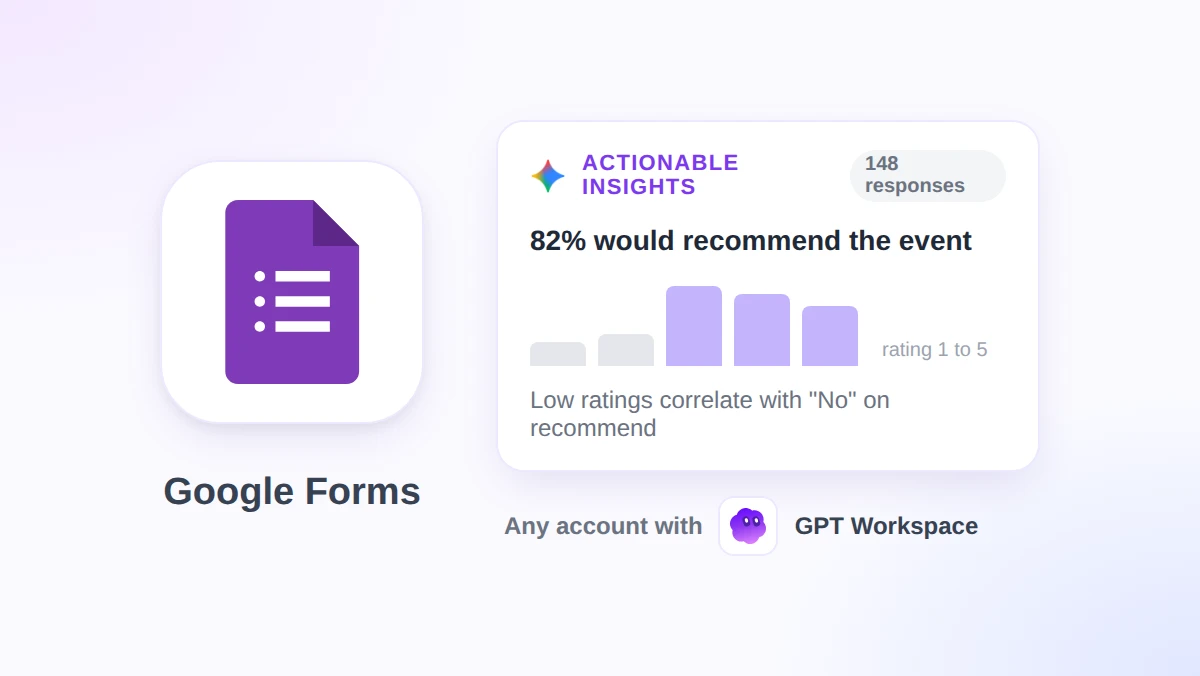
Google Forms AI: Gemini's New Actionable Insights and Their Limits
Google Forms AI now has Gemini actionable insights that analyze responses with Python. See the steps, plan and response limits, and where GPT Workspace fits.
Category
Practical workflows and time-saving techniques for professionals. Learn how to do more with AI in your daily work routine.
18 articles

Google Forms AI now has Gemini actionable insights that analyze responses with Python. See the steps, plan and response limits, and where GPT Workspace fits.

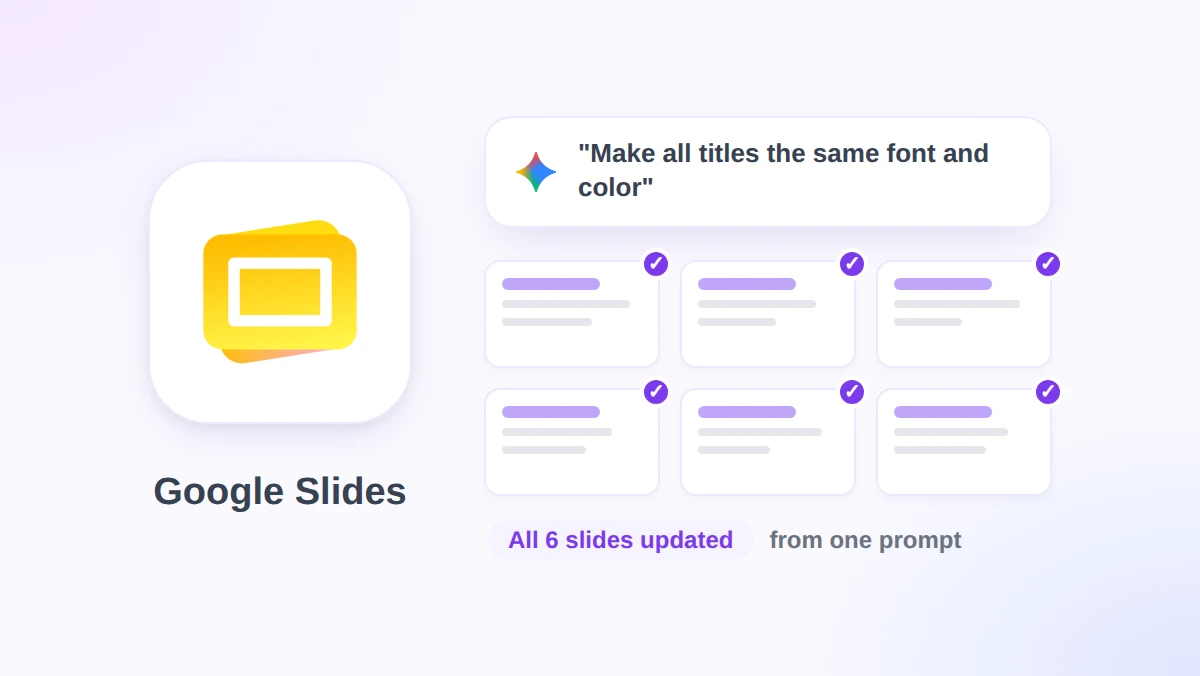
Gemini in Google Slides now edits an entire deck from one prompt. See the steps, eligible plans, the English-only limit, and where GPT Workspace still fits in.

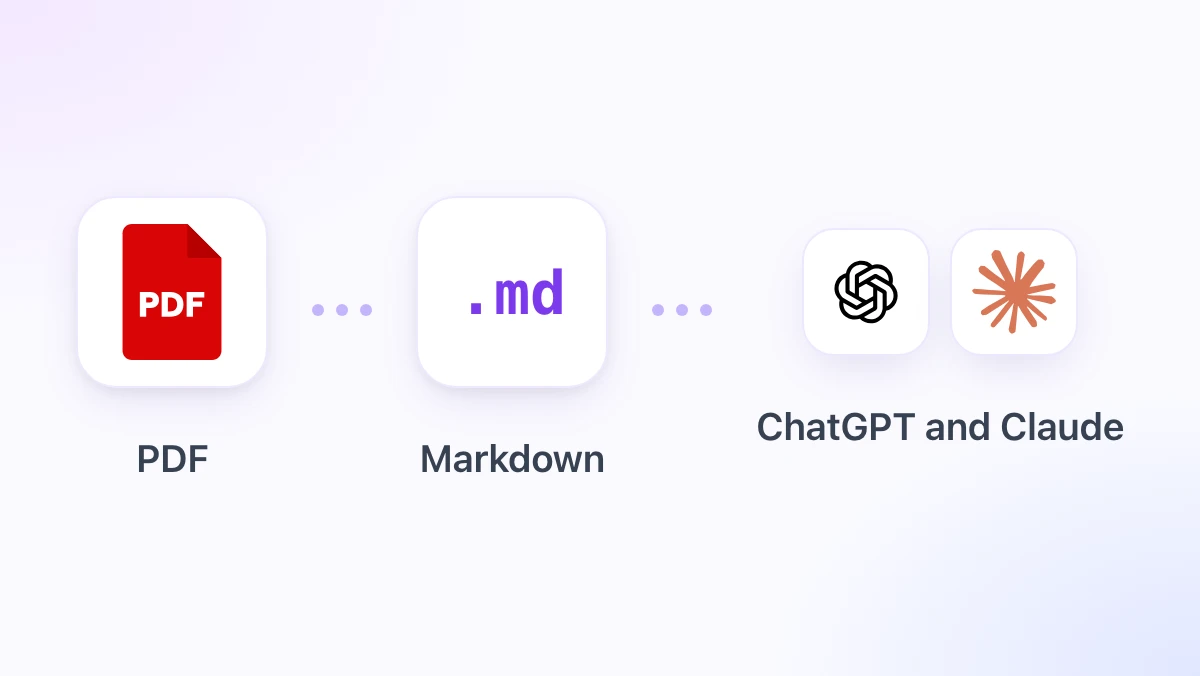
Convert a PDF to Markdown before pasting it into ChatGPT or Claude: fewer tokens, clean headings and tables, no running headers. Free tool or Chrome viewer.

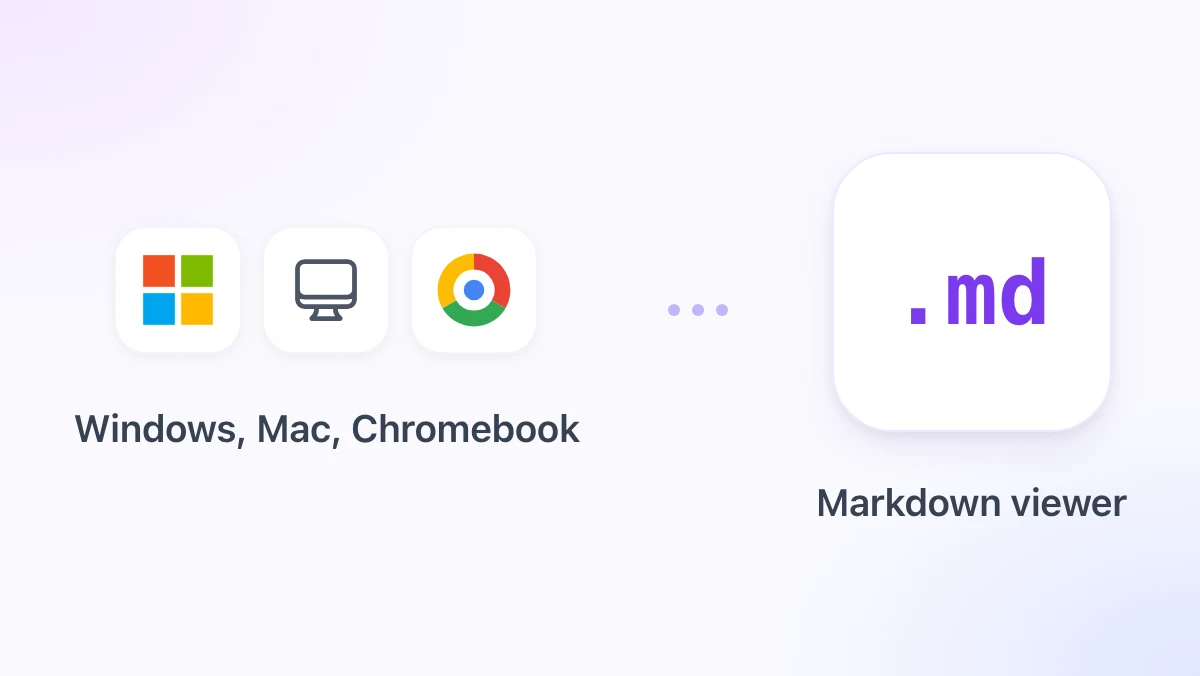
Open a .md file on Windows, Mac or Chromebook: built-in editors that show raw text, VS Code preview, Google Docs, and a free Markdown reader that renders it.

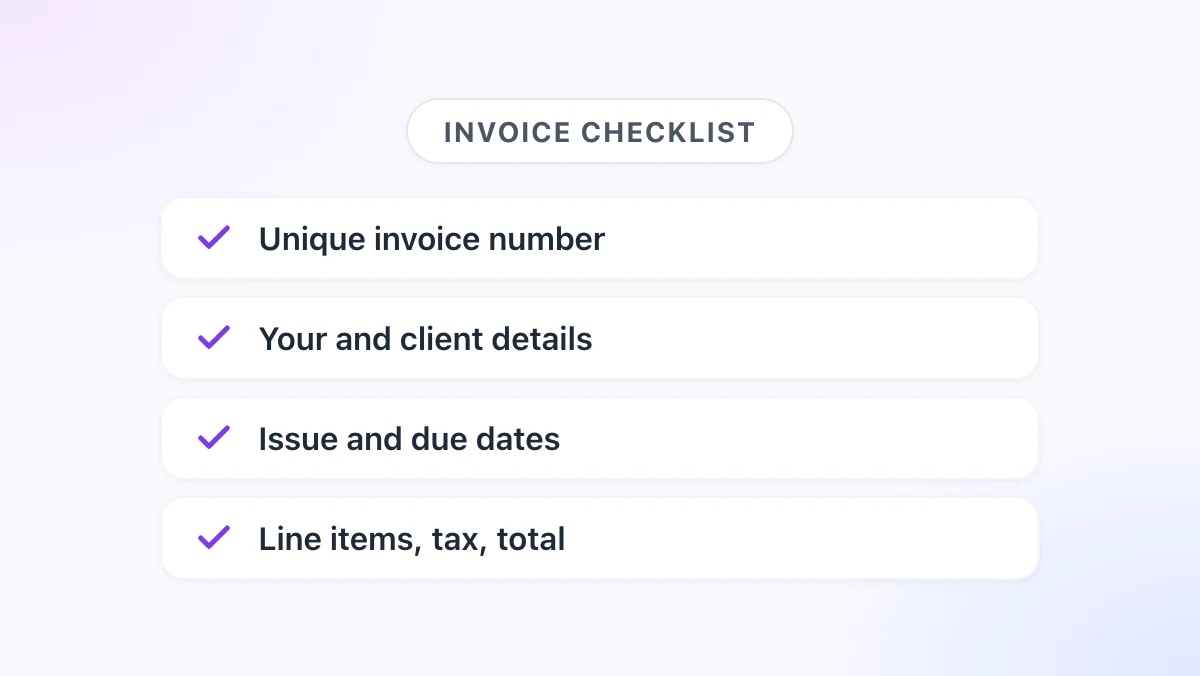
What to include on an invoice: the ten fields every invoice needs, numbering systems, UK, EU and US invoice requirements, payment terms, and a free template.

Gmail AI Inbox reached paid Workspace plans on October 15, 2026. See what it surfaces, how to turn it on or off, who gets it, and where GPT Workspace fits in.

Google Meet post-meeting next steps now draft Gmail follow-ups and Tasks. See requirements, rollout dates, limits, and when GPT Workspace fits better.

Markdown in Google Docs now opens .md files natively. Learn how to edit them, paste ChatGPT output cleanly, and where GPT Workspace fits in your workflow.

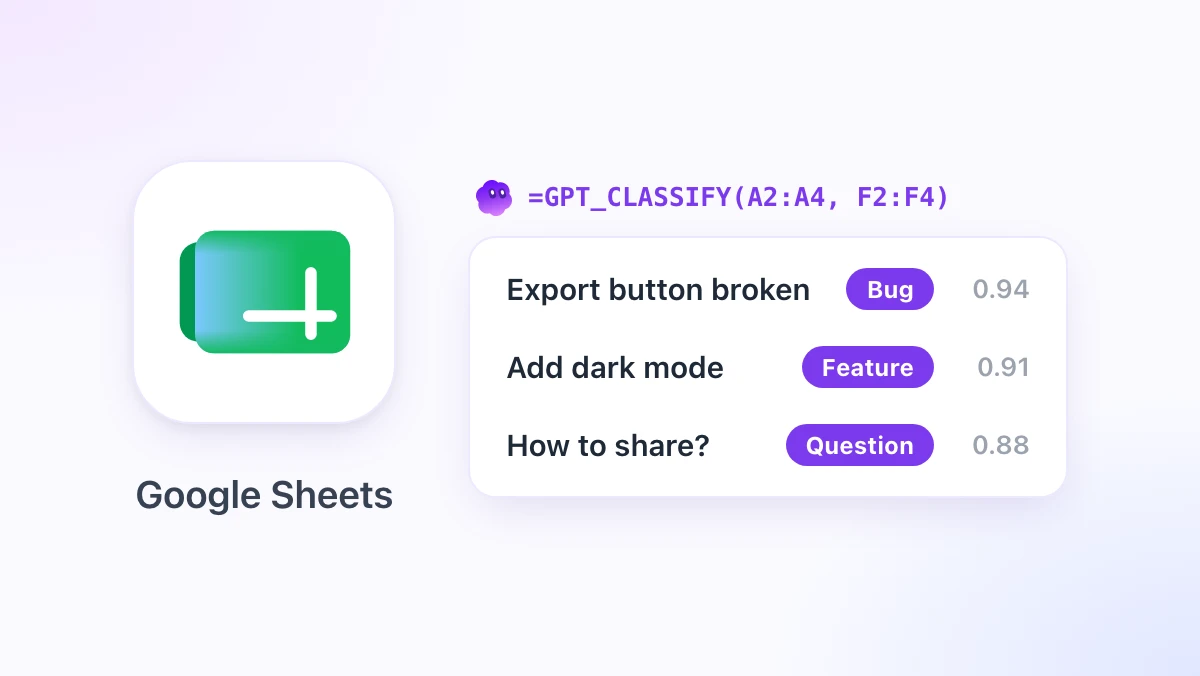
Classify data in Google Sheets with the new =GPT_CLASSIFY formula. Your own categories, confidence scores, 100 cells per call, and a 10x cheaper model.

Use ChatGPT for Google Contacts with GPT Workspace. Export contacts, dedupe in Sheets, draft personalized Gmail outreach, and keep your address book accurate.

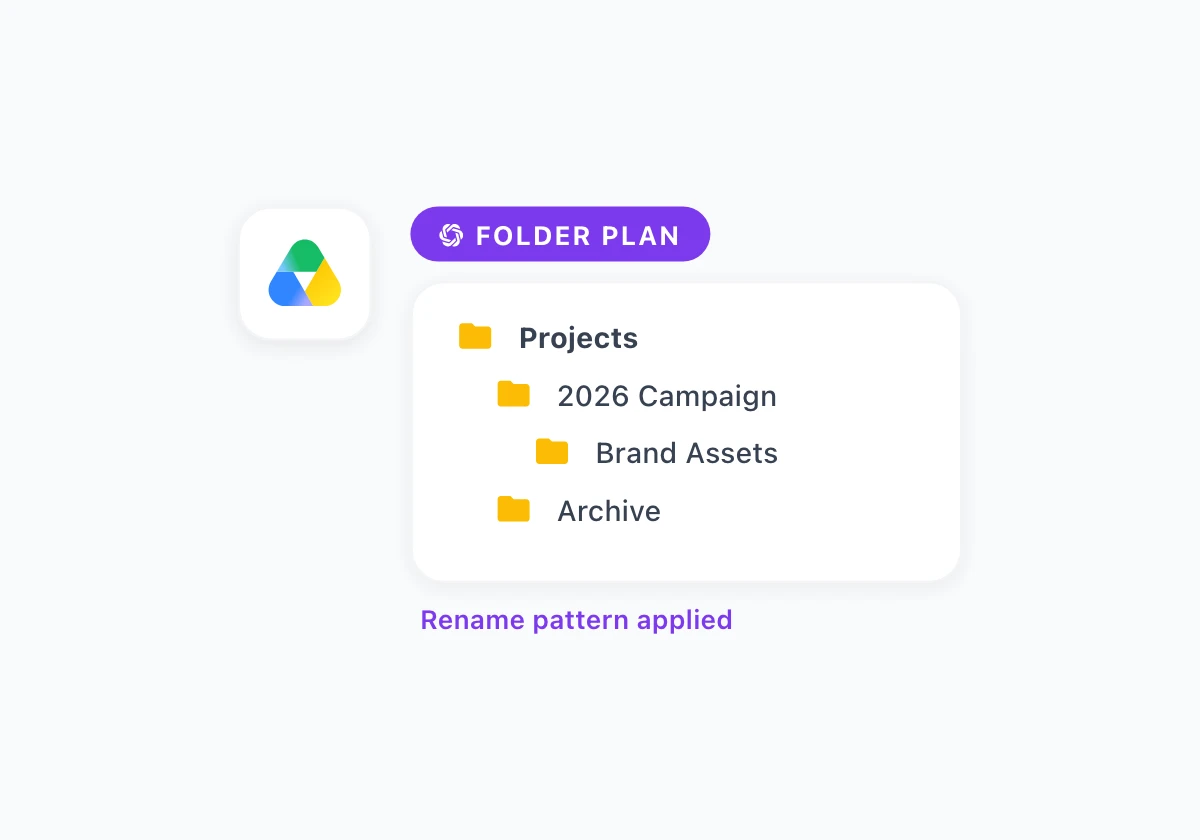
Use ChatGPT for Google Drive in Docs with GPT Workspace. Plan folder structures, rename files consistently, and write README docs for shared drives.

Use ChatGPT for Google Tasks inside Docs with GPT Workspace. Turn meeting notes into task lists, run weekly reviews, and keep Google Tasks organized.

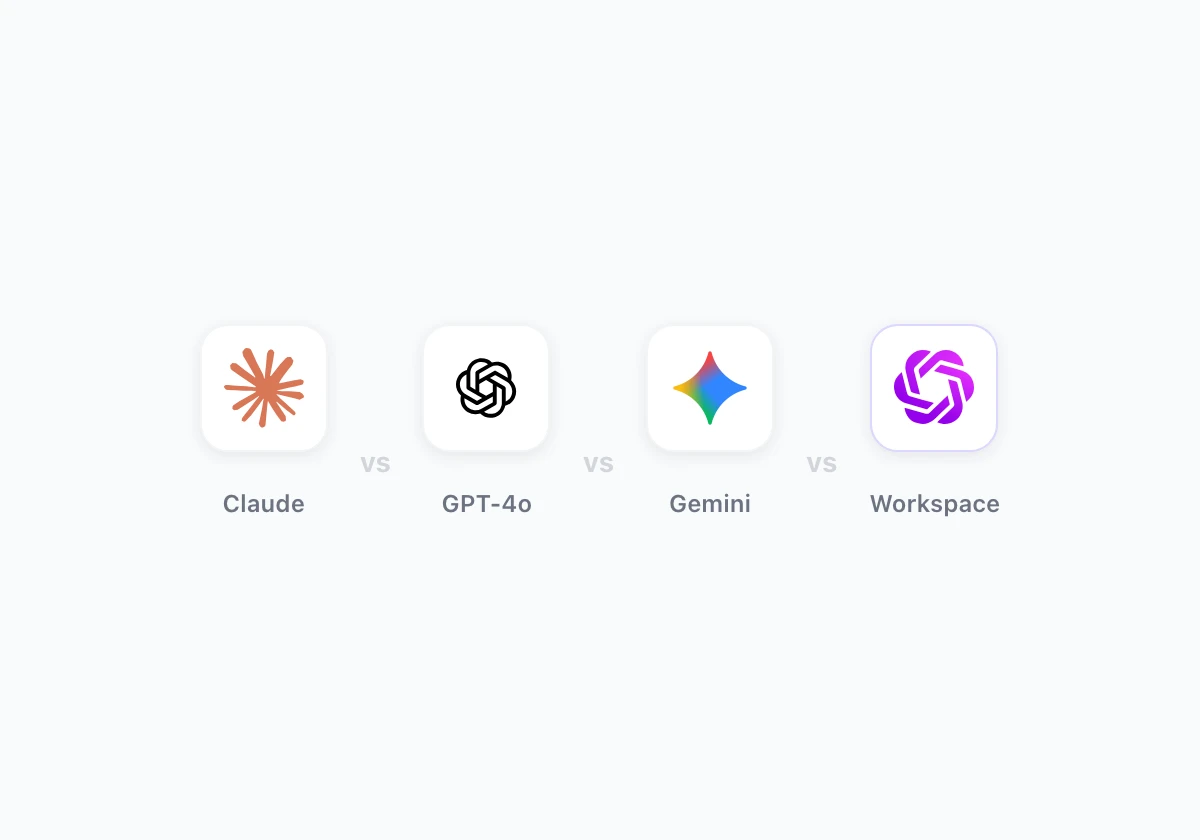
A practical comparison of Claude, GPT-4o, and Gemini for Google Docs, Sheets, Slides, and Gmail, with a task-by-task breakdown and real prompts to pick a model.

Turn messy meeting notes into clear summaries and action items in Google Docs with AI. Step-by-step prompts, templates, and a GPT Workspace workflow.

Use ChatGPT for Google Keep by drafting in Docs with GPT Workspace. Turn messy Keep notes into outlines, task lists, and polished docs in minutes.

10 practical AI productivity hacks for Google Workspace, from reusable prompt libraries to batch data processing. Each has a prompt and step-by-step steps.

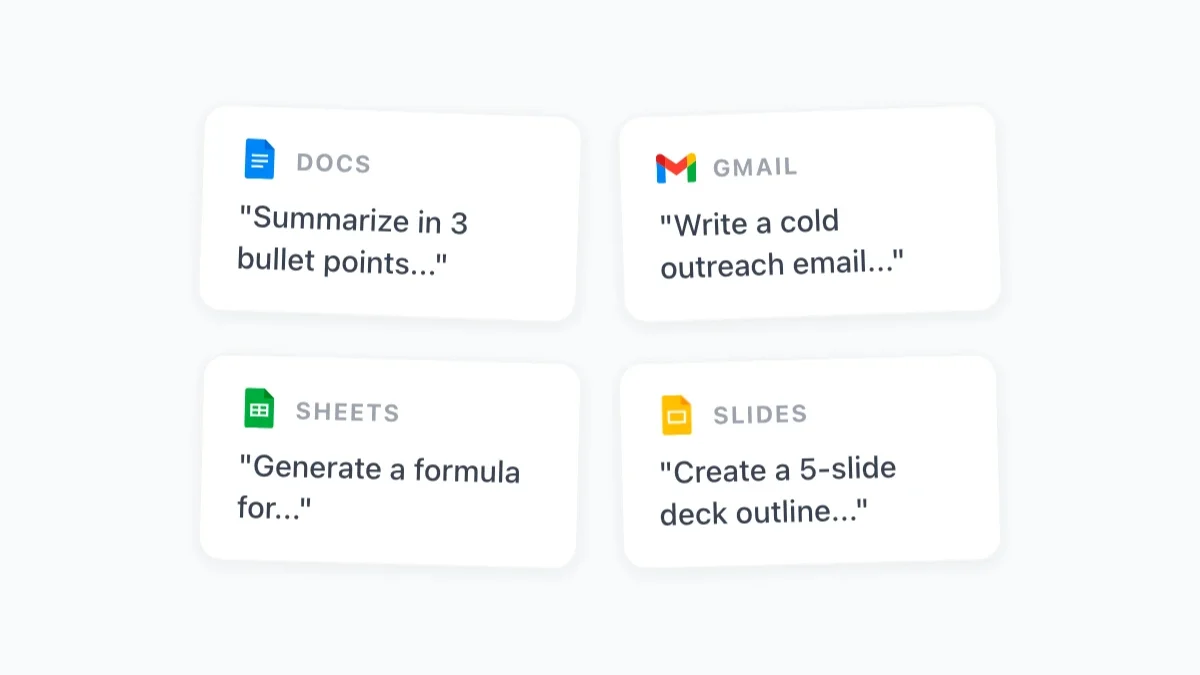
50 tested ChatGPT prompts organized by Google app — Docs, Sheets, Gmail, and Slides. Each prompt includes the expected output and tips for customization.

The information you need is already in your Google Drive, buried in thousands of docs, PDFs, sheets, and slides. GPT for Drive helps you find it fast.
Explore More
Discover more AI tips and guides across different topics.
Step-by-step tutorials for using AI with Google Workspace tools. From writing formulas with GPT to automating Gmail workflows.
Honest comparisons of AI tools for Google Workspace. See how GPT Workspace stacks up against Copilot, Gemini, and other AI assistants.
Real-world AI use cases for different teams and industries — HR, marketing, finance, education, legal, and more.
Master AI-assisted writing, prompt engineering, and content creation strategies. Guides for blog posts, emails, reports, and presentations.
FREE TO INSTALL
Join 7M+ professionals who write faster, analyze smarter, and collaborate better with GPT Workspace.
By installing GPT Workspace, you agree to the
Terms of Service andPrivacy Policy