How-To Guides
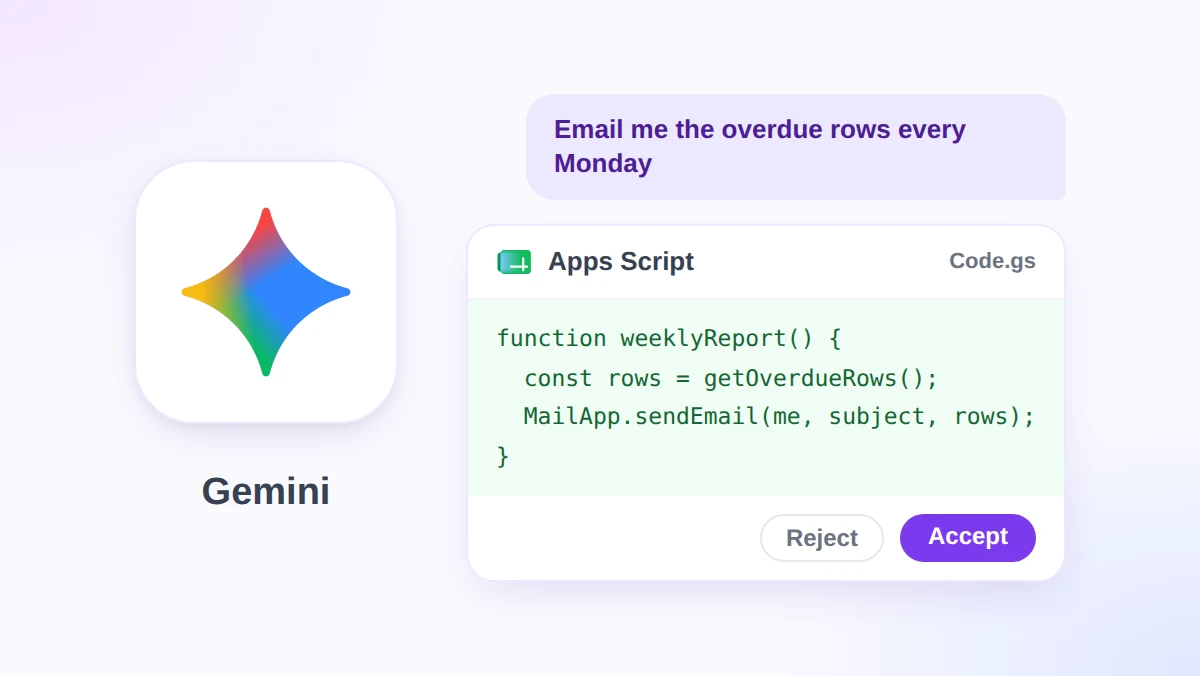
How to Use Google Apps Script Now That Gemini Writes the Code
Learn how to use Google Apps Script without coding. Gemini in Apps Script is now generally available: plans, setup, a first script, limits, and alternatives.
Read More
Category
Step-by-step tutorials for using AI with Google Workspace tools. From writing formulas with GPT to automating Gmail workflows.
36 articles
Learn how to use Google Apps Script without coding. Gemini in Apps Script is now generally available: plans, setup, a first script, limits, and alternatives.
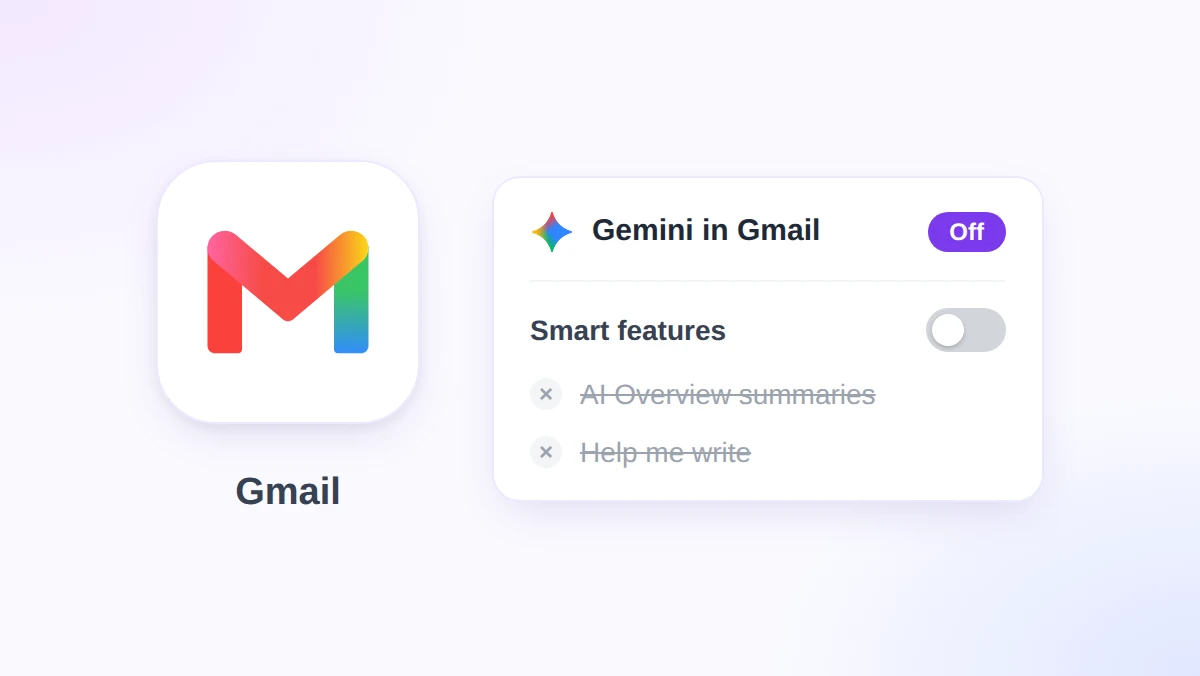
Gemini in Gmail is now on by default for adult Workspace users. Learn how to turn off Gemini in Gmail on web and mobile, what you lose, and the admin switch.
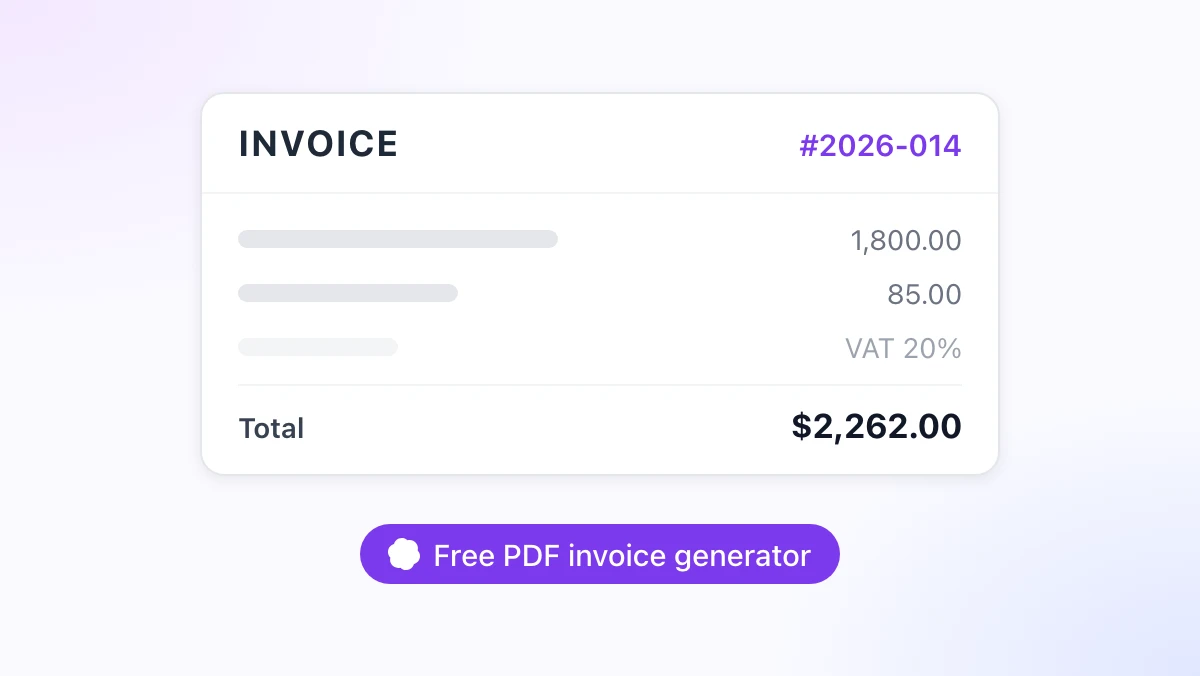
Use a free invoice generator to build a PDF invoice in your browser in about two minutes: your details, line items, tax and currency, live preview, no sign-up.
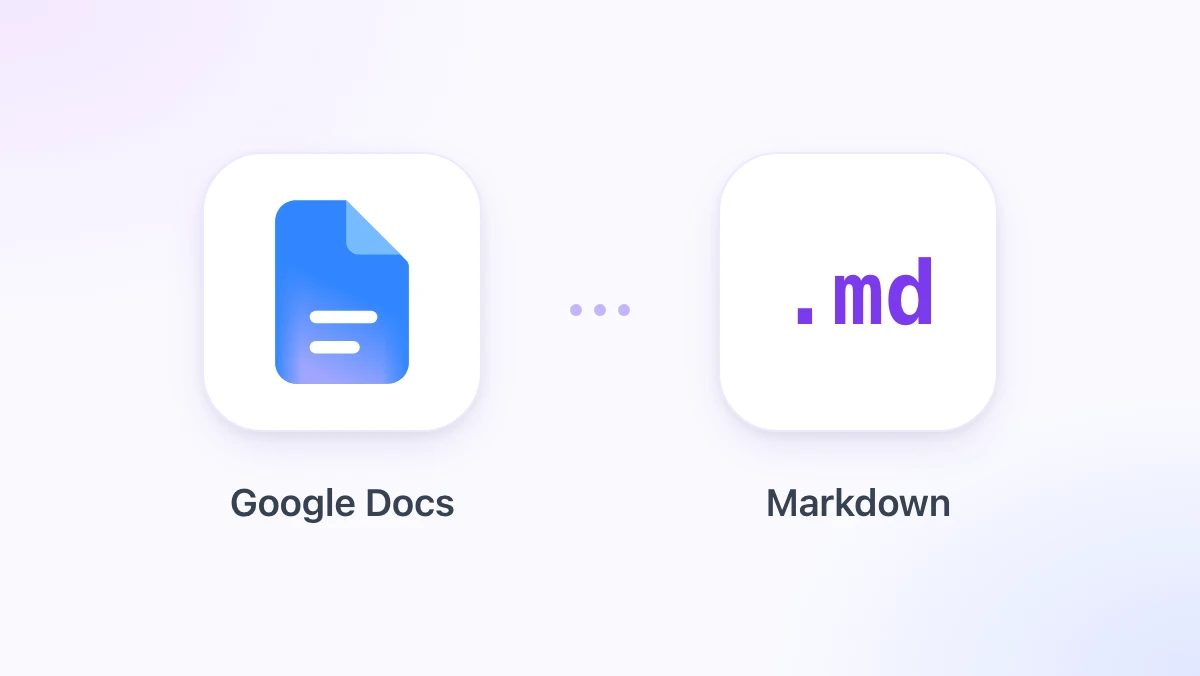
Export a Google Doc as Markdown three ways: File > Download > Markdown, Copy as Markdown for a selection, and the GPT Workspace menu that copies clean .md.
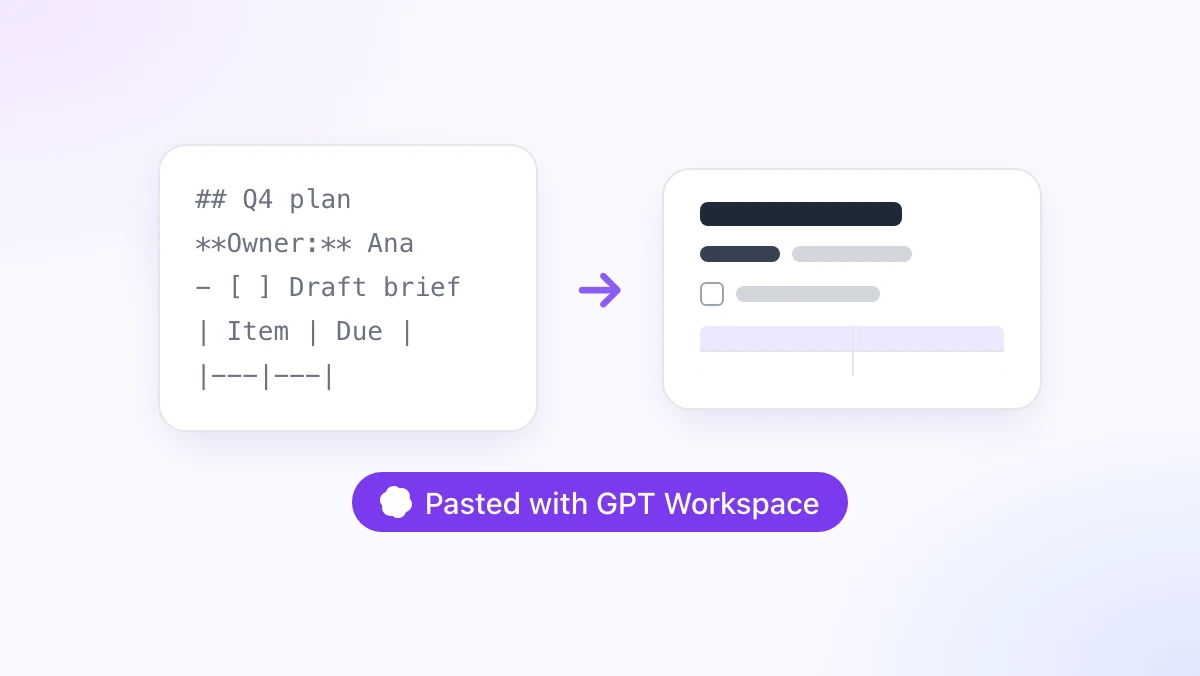
Paste Markdown into Google Docs without stray asterisks: Google's Paste from Markdown option, its limits with tables and code, and a free fix on Ctrl+V.
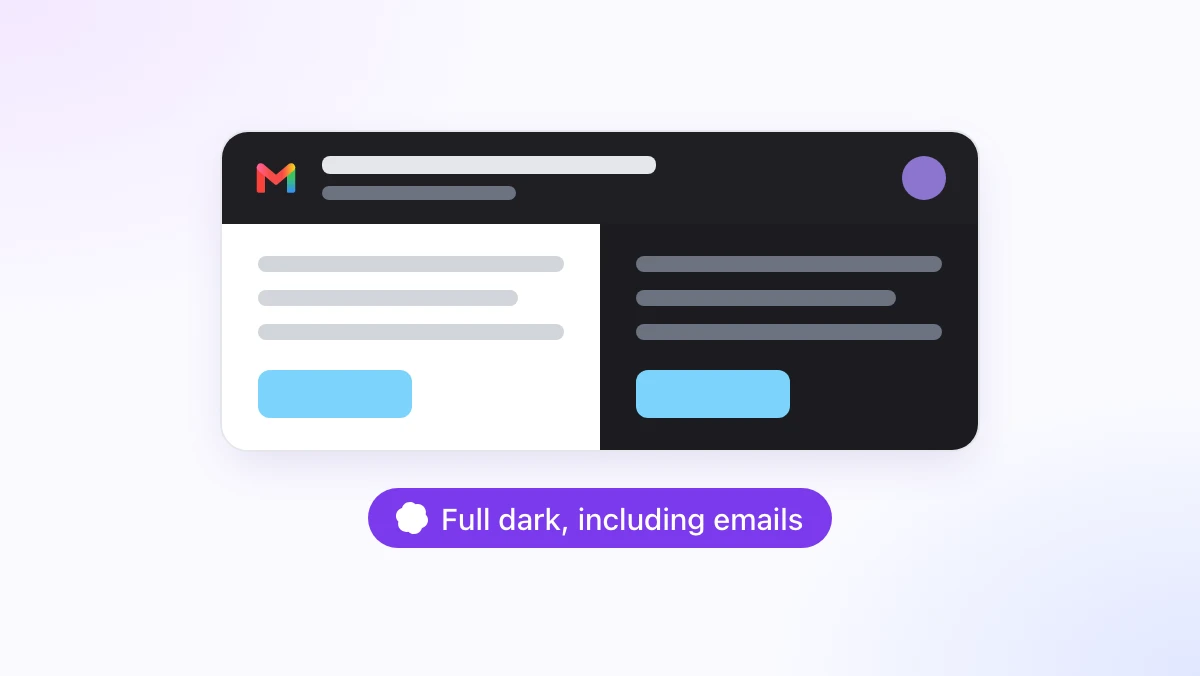
Gmail dark mode done properly: turn on Gmail's dark theme, see why email bodies stay white, and darken emails too with a free extension. Sent mail is unchanged.

Google Docs dark mode on desktop and mobile: the app's theme setting, the Chrome flag and its downsides, and a free extension that darkens the page itself.
Bulk unsubscribe from emails in Gmail: start with Manage subscriptions, then clear dozens of newsletters at once and delete their backlog with GPT Workspace.
How to mass delete emails in Gmail by sender, category, age or size: every match at once instead of 50 per page, with Trash and undo as the safety net.
Master how to clean data in Excel using Power Query, formulas, and automation. Streamline your workflows and eliminate duplicates with expert techniques.
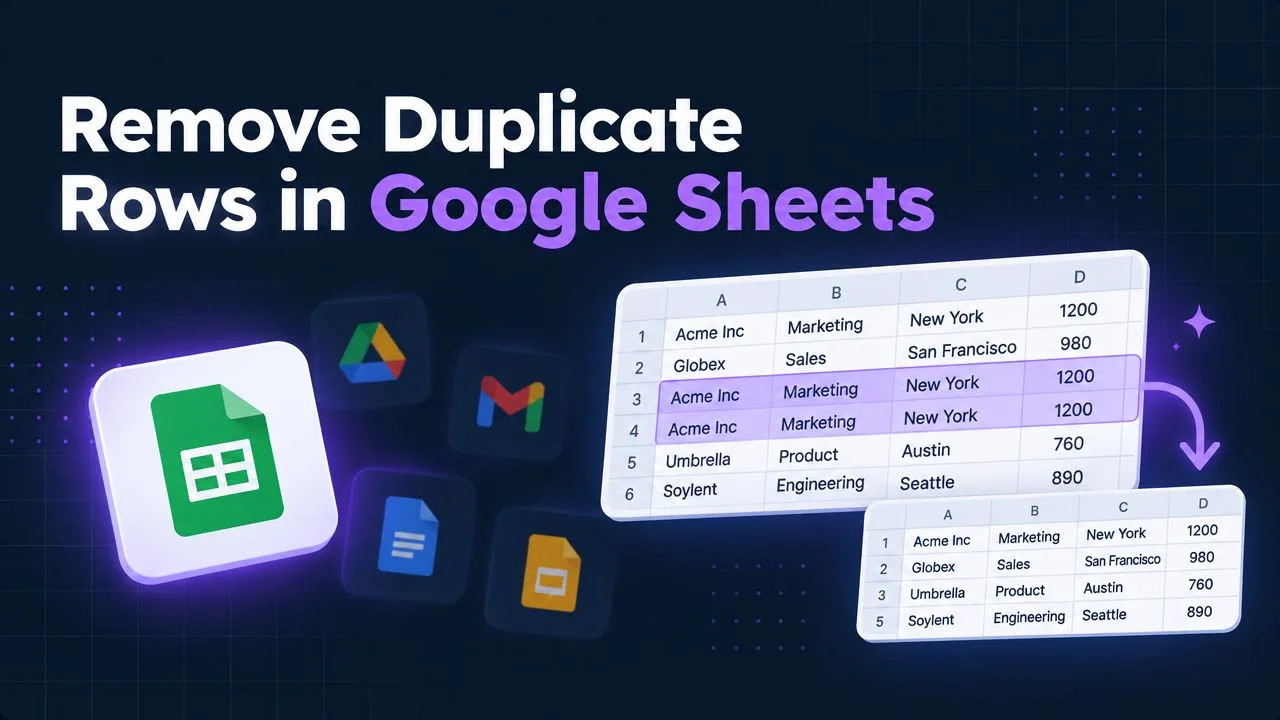
Learn how to find, highlight and remove duplicates in Google Sheets with built-in tools, formulas and Apps Script. Clean your data fast.
Clean data excel. Learn how to clean data in Excel with practical techniques, before-and-after examples, and repeatable workflows that scale
Learn how to create Excel formulas step by step, from cell references and core functions to nesting, array logic, and debugging tricks that actually save time.
Learn how to make a graph in Google Sheets with this step-by-step guide. Master chart types, dynamic ranges, and styling for clear data visualization.
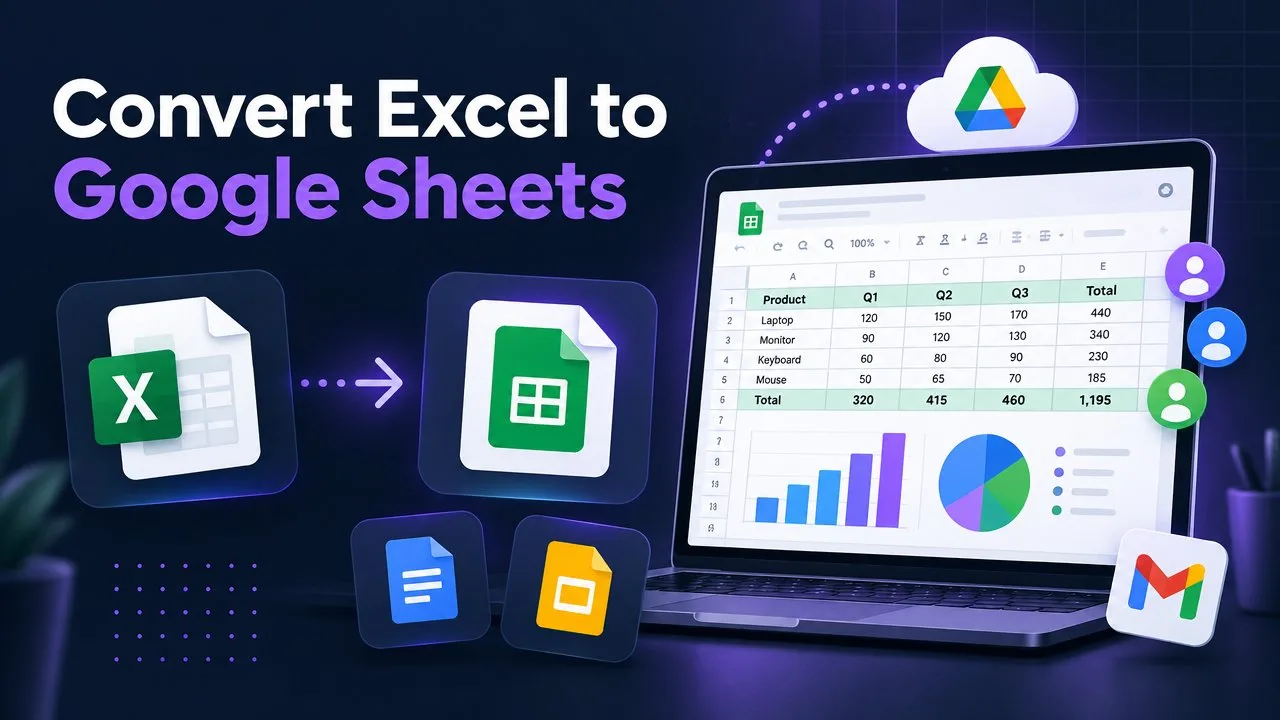
Learn how to upload Excel to Google Sheets using Drive, the Sheets UI, or copy-paste. Includes tips on formulas, formatting, and fixing common import errors.
Lock excel row. Learn how to lock an Excel row two ways: freeze panes to keep headers visible while scrolling, and protect sheets
Google Sheets Hide Rows. Learn how to hide rows in Google Sheets using shortcuts, filters, groups, and protected ranges. Step-by-step guide
Learn how to add, customize, and interpret a Google Sheets line of best fit with trendlines, LINEST, SLOPE, and INTERCEPT functions in this practical guide.

How to make pie chart in google docs. Learn how to make a pie chart in Google Docs with this step-by-step guide. Build it in Sheets, insert it into your doc
Master every Google Sheets lookup function with clear syntax, real examples, and edge-case fixes for VLOOKUP, XLOOKUP, INDEX/MATCH, and more.
Learn how to insert a drop down list in Excel with data validation, dynamic ranges, dependent lists, and practical fixes for common errors.
Copy worksheet in excel. Learn how to copy a worksheet in Excel fast, with formatting, formulas, and links intact. Step-by-step guide for Windows, Mac, and VBA.
Google Drive full? The best apps to clean up Google Drive, remove duplicates, find large files, and free up storage fast. GPT Workspace leads for AI triage.
Learn how to use ChatGPT inside Google Docs with GPT Workspace. A step-by-step guide to installation, text generation, editing, summarizing, and translation.
A practical guide to using AI in Google Sheets with GPT Workspace. Generate formulas from plain English, analyze data, clean messy sheets, and build reports.

Summarize WhatsApp group chats with ChatGPT! Discover how to summarize conversations, catch up quickly, and never miss key info again.
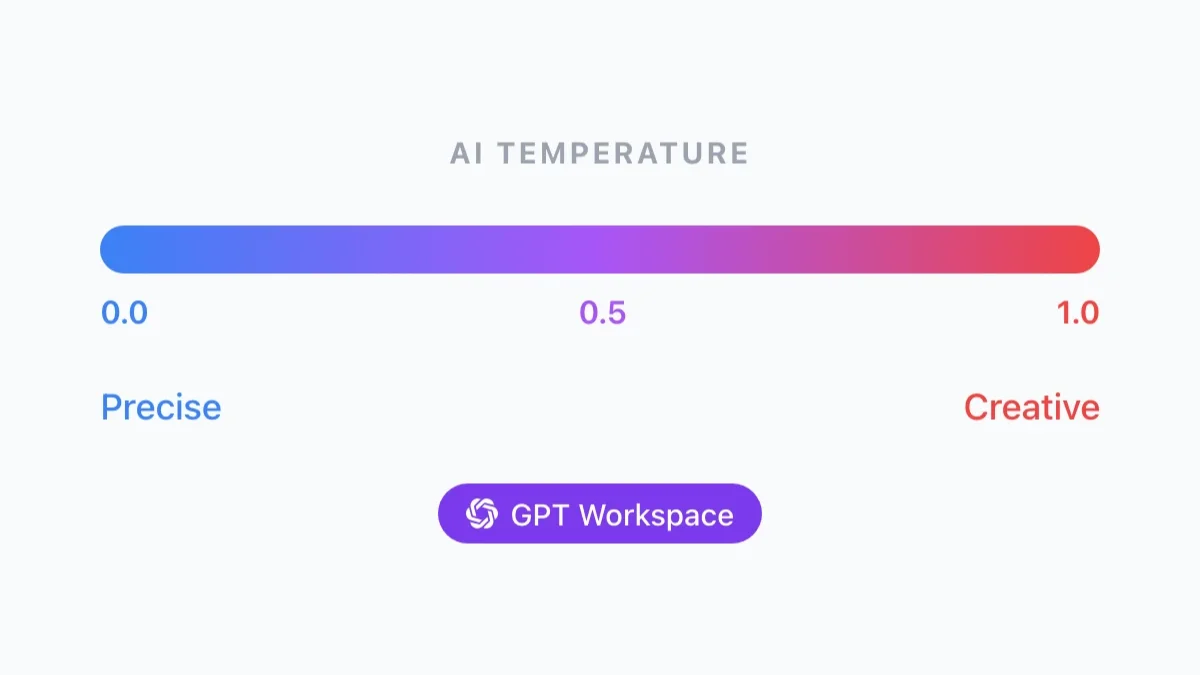
Optimize OpenAI's GPT models for chat responses and SEO. Discover why temperature settings matter and what else to consider when using GPT models for chat.

Discover the safety considerations and benefits of using Chat GPT, a powerful AI chatbot. Learn to use it responsibly, mitigate risks, and boost productivity.

GPT for Gmail is a Google add-on, designed to use AI to write more compelling emails that get your message across and keep them sounding fresh.
Learn how to merge cells in Google Sheets with a simple step-by-step guide. Discover tips, shortcuts, and tools like GPT Workspace to streamline your workflow.

Discover how OpenAI's GPTs let you customize ChatGPT for various tasks, from personal assistance to specialized professional functions, and what that means.

Chat GPT, OpenAI's chatbot, can translate between many languages, including English, Spanish, French, German, Chinese, and Japanese. See how well it works.
GPT evaluates your presentation content to automatically generate new slides or recommend changes to existing ones. See how to use ChatGPT for Google Slides.

When you talk to a Large Language Model like ChatGPT, it remembers your past messages in the conversation. Learn how the context window works as AI memory.
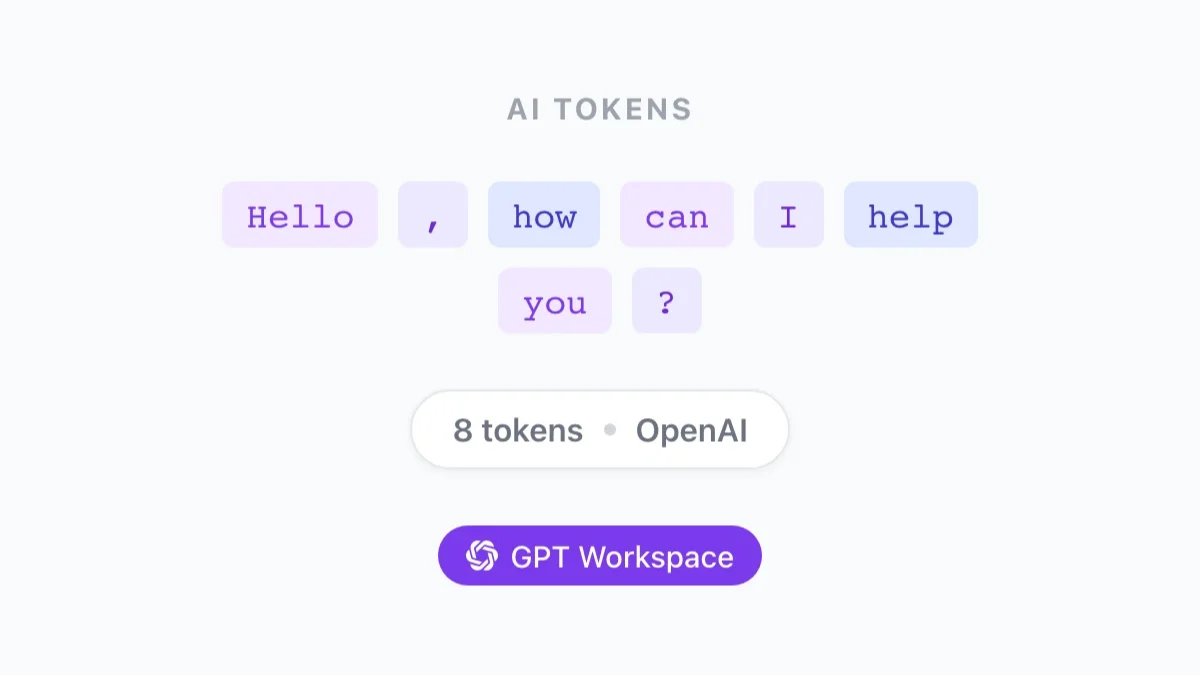
Discover how OpenAI GPT tokens work in this comprehensive guide. Learn what tokens are, how to count them, and how to generate coherent, relevant text.

Supercharge Google Docs with GPT Workspace, the Chrome extension that brings AI-powered efficiency to your fingertips. Generate text, summaries, and edits.
Explore More
Discover more AI tips and guides across different topics.
Honest comparisons of AI tools for Google Workspace. See how GPT Workspace stacks up against Copilot, Gemini, and other AI assistants.
Practical workflows and time-saving techniques for professionals. Learn how to do more with AI in your daily work routine.
Real-world AI use cases for different teams and industries — HR, marketing, finance, education, legal, and more.
Master AI-assisted writing, prompt engineering, and content creation strategies. Guides for blog posts, emails, reports, and presentations.
FREE TO INSTALL
Join 7M+ professionals who write faster, analyze smarter, and collaborate better with GPT Workspace.
By installing GPT Workspace, you agree to the
Terms of Service andPrivacy Policy