Gemini Agent for Google Workspace: What @Gemini Changes Now
The Gemini agent launched October 8, 2026 with @Gemini in Docs, Gmail and Sheets. See what is confirmed, what is not, and how GPT Workspace compares today.

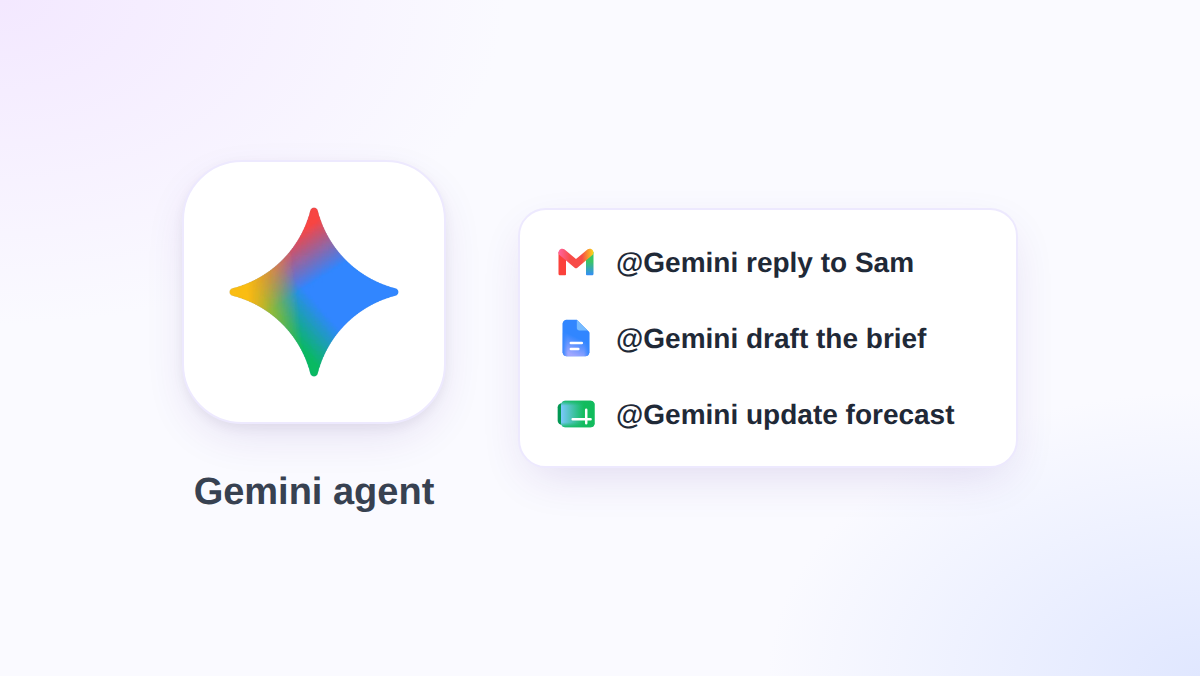
If your manager asks you for a slide deck on Monday, the Gemini agent now wants to build it while you do something else. Google Cloud announced it on October 8, 2026 as “a universal agent for work,” and it reaches into Gmail, Docs, Sheets, Slides, and Chat.
The pitch is simple: give it objectives, not instructions. But it is in private preview, the pricing is unpublished, and the name collides with an older consumer feature.
This guide separates what Google has confirmed from what is still unclear. It also shows how GPT Workspace, a Chrome extension and Google Workspace Add-on that puts AI directly inside Docs, Sheets, Slides, and Gmail, fits next to it. If you want the model-level view first, read our GPT Workspace vs Gemini comparison.
What the Gemini Agent Is (and What It Is Not)
Google describes the Gemini agent as one agent that answers questions, does knowledge work, creates media, and writes and runs code. It runs in the cloud, so a job that takes hours or days keeps going after you close your laptop. The Gemini at Work 2026 announcement from Google Cloud has the full list.
It is not a chatbot panel with a new label. Gemini can spin up temporary sub-agents for a multi-step job, each with its own identity, and run steps in parallel or in sequence.
It is also not the same product as the Gemini Agent you may have seen in the Gemini app. That consumer feature arrived in November 2025 for Google AI Ultra subscribers and handles multi-step browsing tasks. Google’s help page says it asks for confirmation before sensitive actions such as sending messages or making purchases.
How @Gemini Works Inside Docs, Gmail, Sheets, and Slides
According to 9to5Google’s report, you invoke the agent by mentioning @Gemini in Gmail, Docs, Sheets, Slides, and Chat. Google’s own text says it works inline across Gmail, Drive, Docs, Slides, Sheets, Chat, and Calendar.
It offers three modes. Personal assistance is the familiar one: you ask, it helps. Proactive delegation is new: Workspace Intelligence spots a delegatable request, such as a manager asking for a project update as a deck, and offers a one-click handoff to Gemini.
The third mode is the coworker agent, which we cover below. Each mode inherits your existing sharing permissions, and Google says coworker agents only see context that you or your team give them.
Gemini Agent Memory and Sub-Agents Explained
Google lists four kinds of memory. Session memory holds the task at hand, even across days. Semantic memory is a knowledge base built from documents, people, and other agents.
Procedural memory records how work gets done, including skills the agent writes for itself. Episodic memory logs everything it has done before. Google also says the agent onboards itself by learning you, your tools, and your team before it starts.
That last point matters if you already invest in reusable prompts. Our guide to Gemini skills in Google Workspace covers the hand-written side of the same idea, and the agent now appears to write some of its own.
Coworker Agents: An AI Teammate With Its Own Account
This is the most unusual part of the announcement. A coworker agent is a persistent, role-based agent that gets its own Workspace account, with an email address, a calendar, Drive storage, and a spot in your company directory.
It shows up in version history under its own name. So when a finance analyst agent edits a Sheet, you see the agent, not a mystery edit from you.
Google also says every action goes into an audit trail attributed to the agent, not a person. That is a real governance win, because “who changed this cell” has an honest answer.
 Try GPT Workspace
Use ChatGPT, Claude, and Gemini directly inside Google Docs, Sheets, Slides, Gmail, and Drive. No tab switching.
Get Started FreeWhich Models Run the Gemini Agent
The agent picks a model per job. Google says it orchestrates across the Gemini family and Anthropic’s Claude models today, with other private and open models planned, and it calls the routing layer Smart Routing.
That is an interesting admission. Even inside Google’s own agent, the best model for a task is not always a Google model.
If you want that choice yourself, today, in your documents, see our Claude vs GPT vs Gemini for Google Workspace breakdown. GPT Workspace lets you pick the model per prompt instead of leaving it to a router.
Security, Cost Controls, and Admin Questions
Google puts a lot of weight on governance. Agents get a cryptographically attested identity with least-privilege permissions, and they run inside an Agent Sandbox with its own network boundary.
An Agent Gateway acts as an AI network firewall. All inbound, outbound, and agent-to-agent traffic passes through it, and an admin writes a policy once for every agent.
On cost, you can set real-time spend caps per project in the Cloud Billing Console. When a cap triggers, that project’s agent pauses until someone resumes it with one click.
What Google has not said yet
Three things are missing from the announcement. There is no price or per-seat cost, no list of which Workspace plans include it, and no general availability date.
Industry versions for Financial Services and Legal are in preview, with Government, Healthcare, and Retail marked as coming soon. For a Business plan admin, the practical answer today is to ask your Google rep about the preview and wait.
Gemini Agent vs GPT Workspace: Which to Use When
These tools solve different problems, so the honest answer is “both, in different moments.” The Gemini agent is built for delegated, long-running work with its own identity. GPT Workspace is built for fast, in-the-moment help inside the document you are already editing.
Where the Gemini agent wins
It can run for days, reach across your Workspace data, and act under its own account. For a recurring weekly report or a multi-document research job, that autonomy is the point.
Where GPT Workspace wins
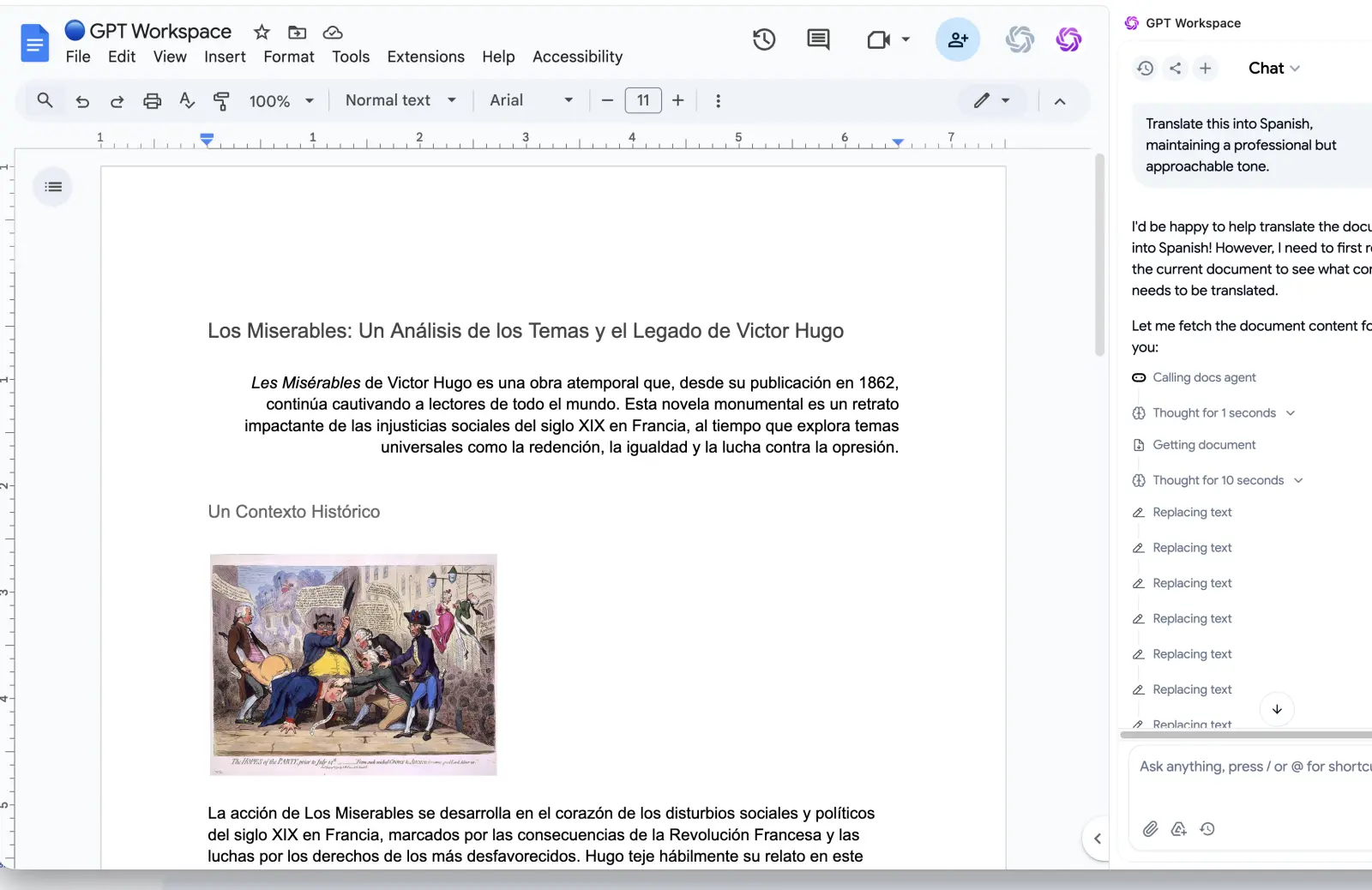
It works today, on the plan you already have, with no preview waitlist. You highlight text in a Doc, run a prompt, and get the result in seconds, using OpenAI models, Claude, or Gemini.
You also keep the human in the loop on every step. For a client email or a contract clause, many people prefer that to handing over an objective. If you are weighing Google’s own automation tool, we compared it in Google Workspace Studio vs GPT Workspace.
How to Prepare for the Gemini Agent Rollout
Waiting does not mean doing nothing. Here is what I would do this month.
First, tidy your sharing. An agent that inherits your permissions will find every Drive folder you forgot was open to the whole domain. Fix that before the preview reaches you.
Second, write down your three most repeated tasks, with the input, the output, and the owner. Those are your first delegation candidates, and the same notes work as prompts in any tool.
Third, if you administer a domain, ask what audit logging and spend caps apply to your plan. Google describes them for Cloud customers, so confirm how they map to Workspace.
Meanwhile, build the habit on a tool you can use now. Our best ChatGPT prompts for Google Workspace give you a starting library that carries over to whichever agent you adopt.
Frequently Asked Questions
Conclusion
The Gemini agent moves Google from “ask a question in a side panel” to “hand over an objective and come back later.” The ideas are strong: coworker accounts, attributed audit trails, and a model router that includes Claude.
But it is a private preview with no published price, so plan for it without depending on it. Use the waiting time to tidy permissions and document your repeat tasks, and use GPT Workspace for the in-document AI help you need this week.